Iconography
Overview
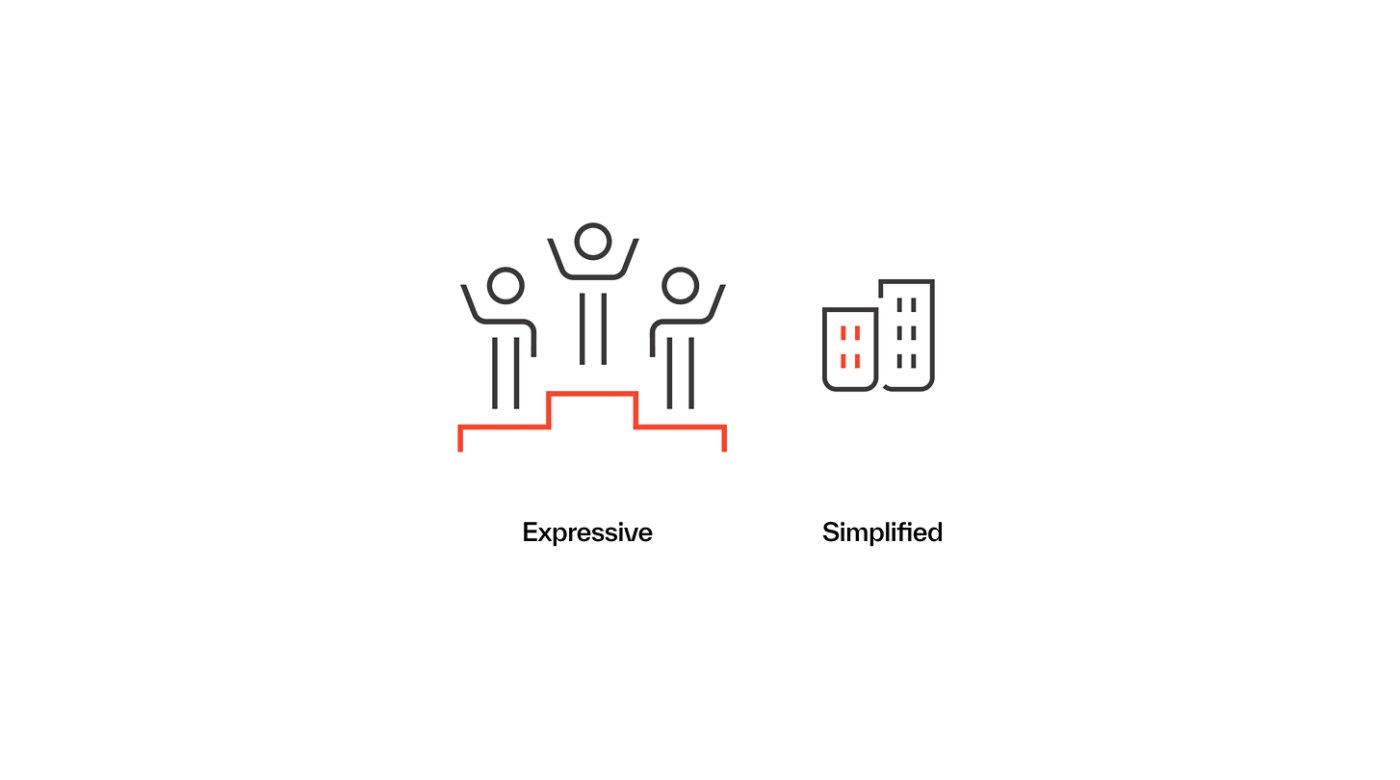
Icons are visual symbols that represent specific ideas, objects or actions. They can help simplify complex concepts, draw attention to key actions or information, and make content feel more engaging and approachable. At Kyndryl, our icon library includes two styles: Expressive and Simplified.
Both share a cohesive look and feel, but each is designed for different needs. Expressive icons feature more detail and are best suited for larger displays, while Simplified icons are optimized for smaller sizes and digital environments, with cleaner lines and fewer details for clarity.
General usage guidance
01
Size is the primary factor to consider when choosing which icon style to use.
Use Expressive icons for sizes larger than 80 pixels, such as presentations, signage, displays or large callouts. Use Simplified icons for sizes between 60–80 pixels, including system icons for web or mobile and any other small-scale designs.
02
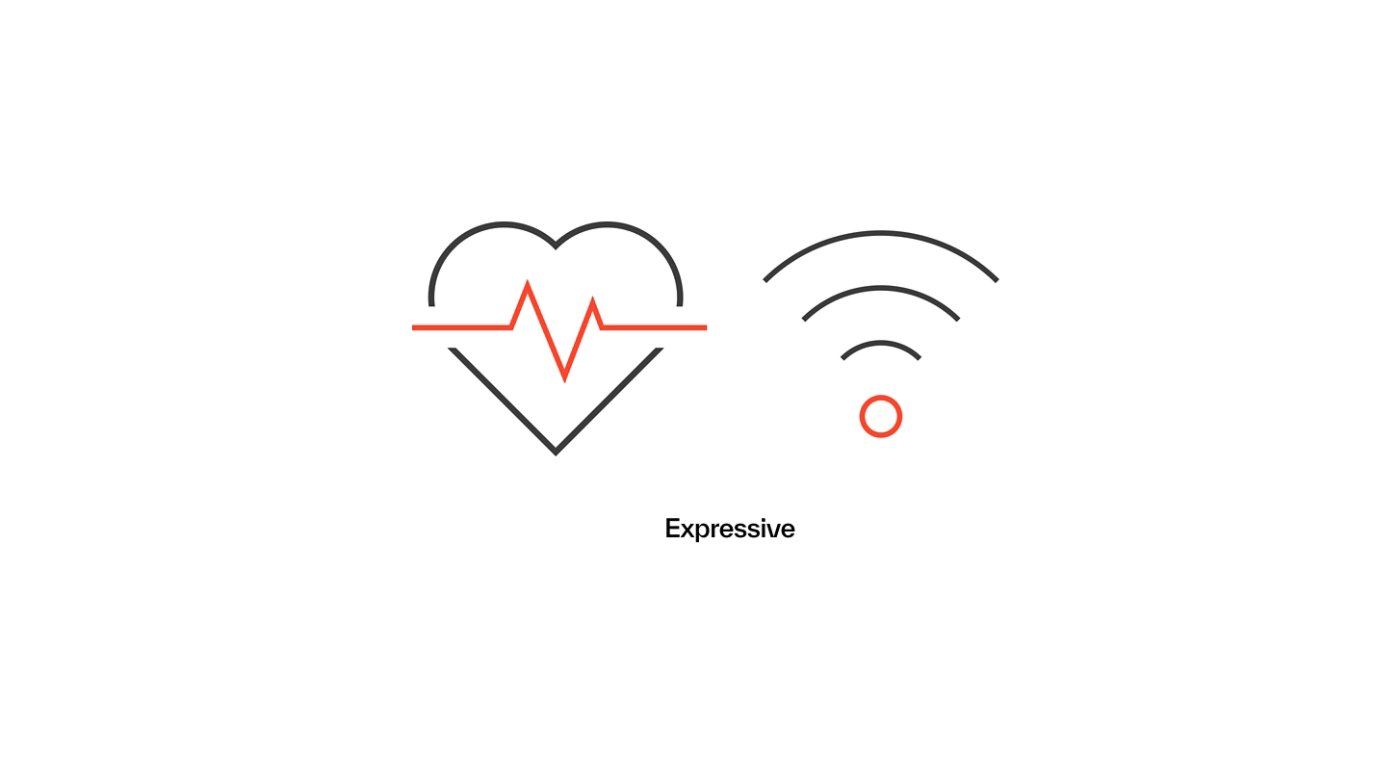
Ensure icons are consistently sized.
Icons of the same style should always be used at a consistent size and scale.
Expressive icons
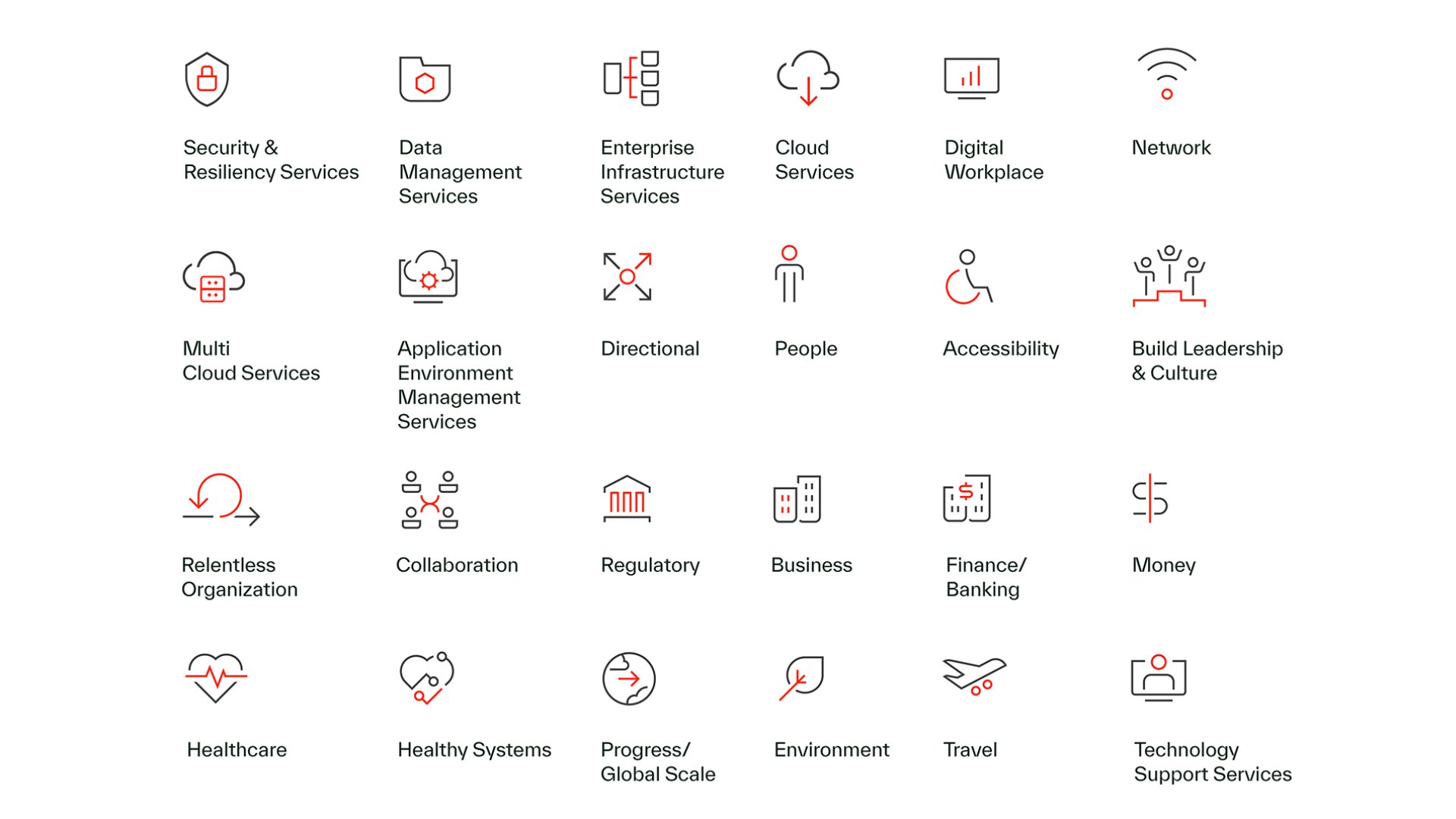
As noted above, our Expressive icons are much more detailed than our Simplified icons and are designed for use on larger displays. Each icon features a single focal element, highlighted in either Warm Red or Deep Forest.

Approved color combinations:
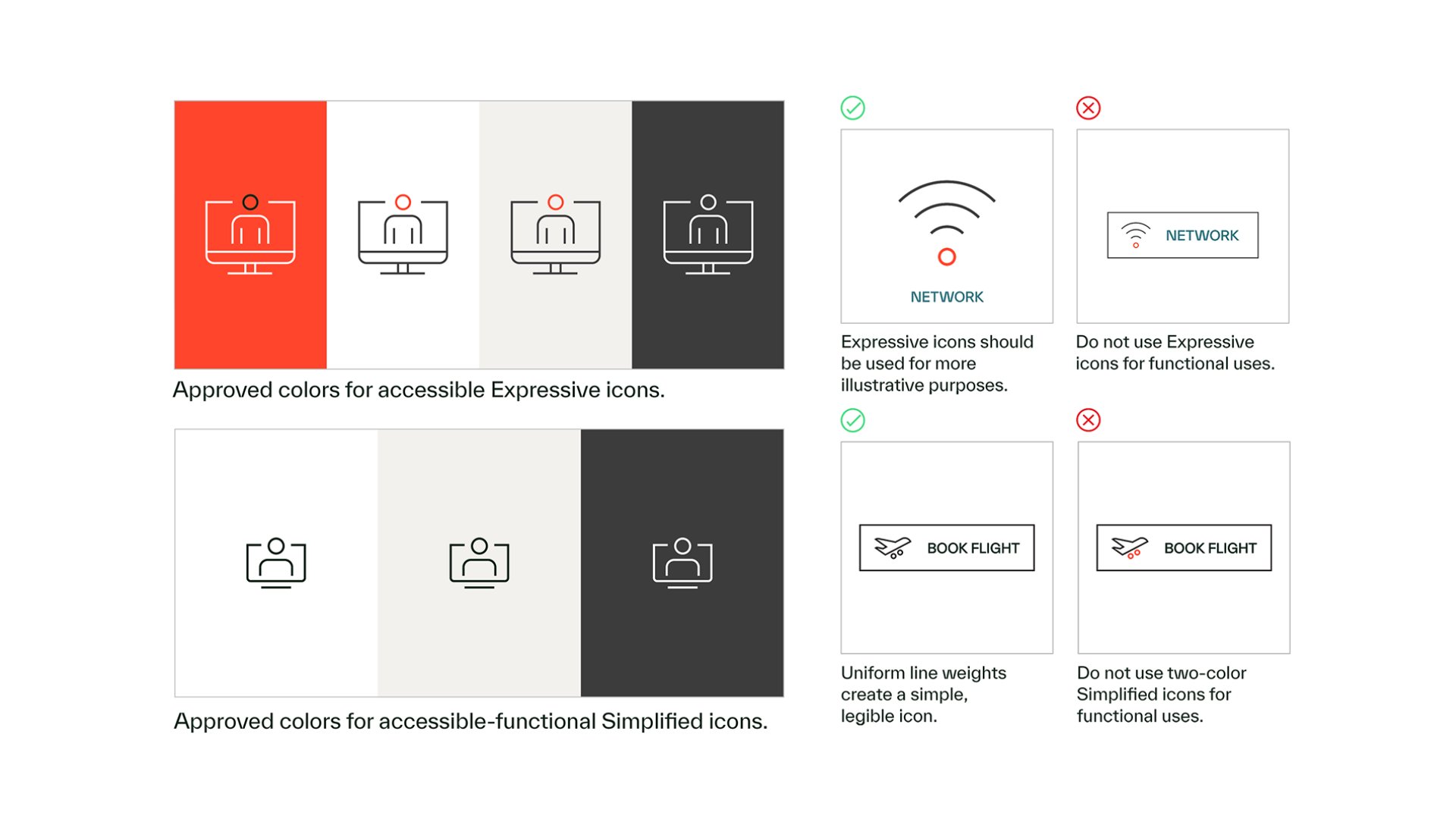
Below are the two approved color options for Expressive icons: white with Deep Forest accents and Dark Stone with Warm Red accents.
Note: Our primary icon set uses Dark Stone with Warm Red accents. Our white icons with Deep Forest accents should only be used on Warm Red backgrounds within PowerPoint presentations.
To ensure clarity and consistency, no other color combinations should be used.

White with Deep Forest accents (limited use)

Dark Stone with Warm Red accents
Simplified icons
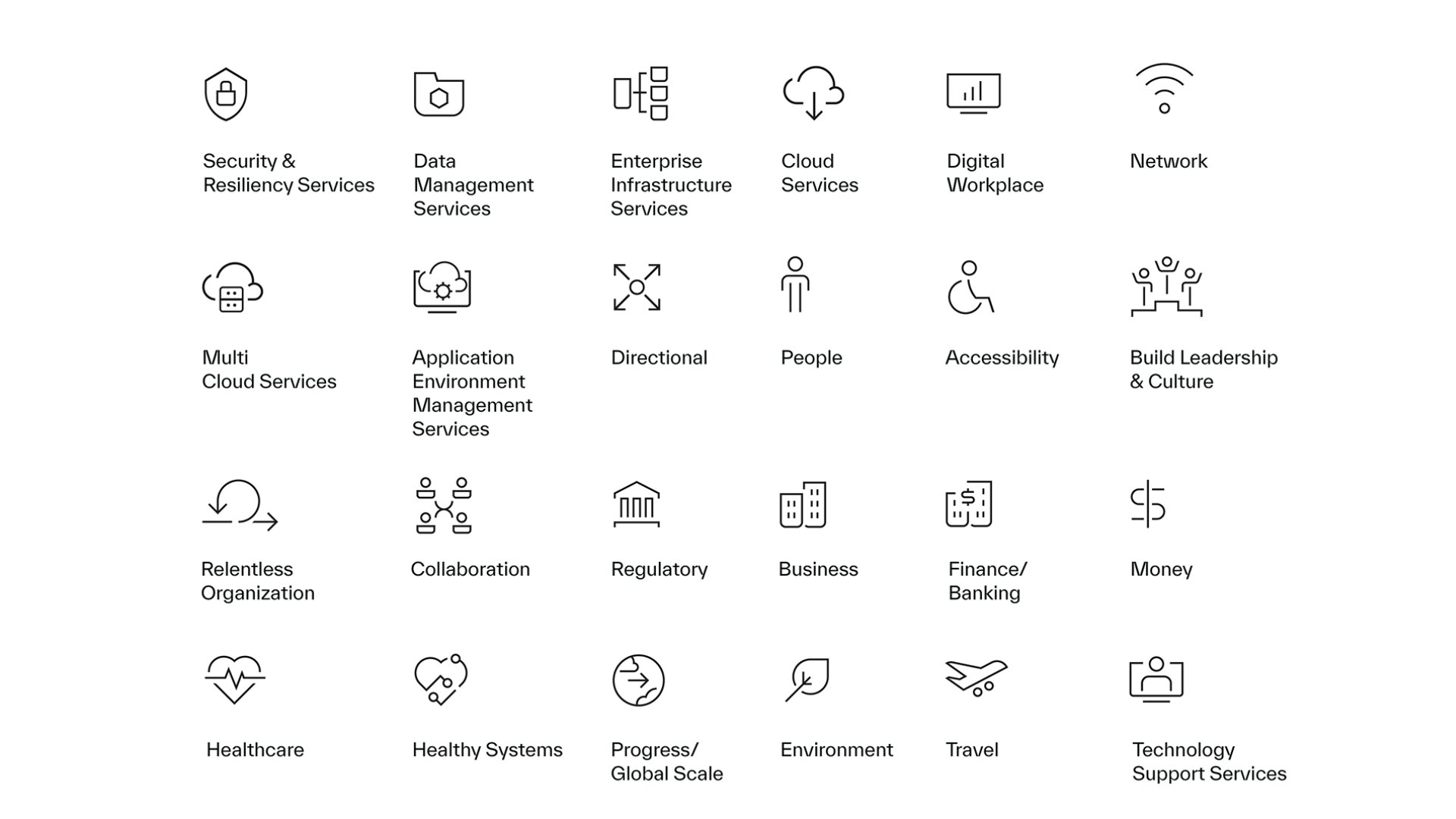
Our Simplified icons contain fewer details than our Expressive icons and are optimized for smaller displays and digital contexts.
Approved color combinations:
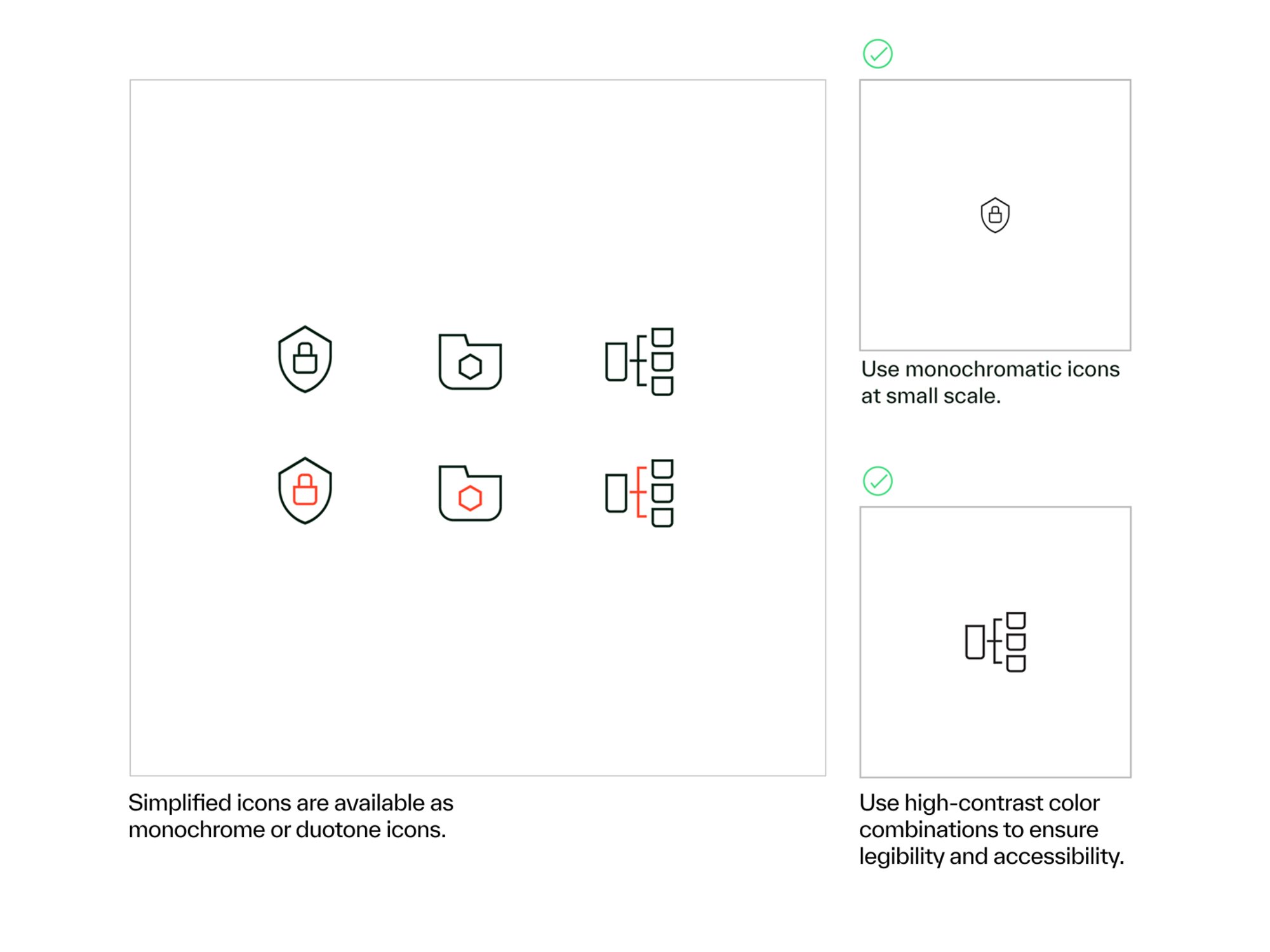
Our Simplified icons are available as monochrome (single-color) icons in Dark Stone, Deep Forest or white, or as duotone (two-color) icons in Dark Stone with Warm Red accents.
Color becomes crucial when scaling down Simplified icons. If you are using Simplified icons at a small scale, always use a monochrome option with a high-contrast background to ensure legibility.
Download our fullKyndryl iconography library
Our library of Expressive and Simplified icons is available in multiple formats to support different needs. Our PowerPoint icons are specially formatted for easy, seamless use in slides, while our Designer icons are intended for all other designed assets and include JPG, PNG, SVG and Adobe Illustrator files.

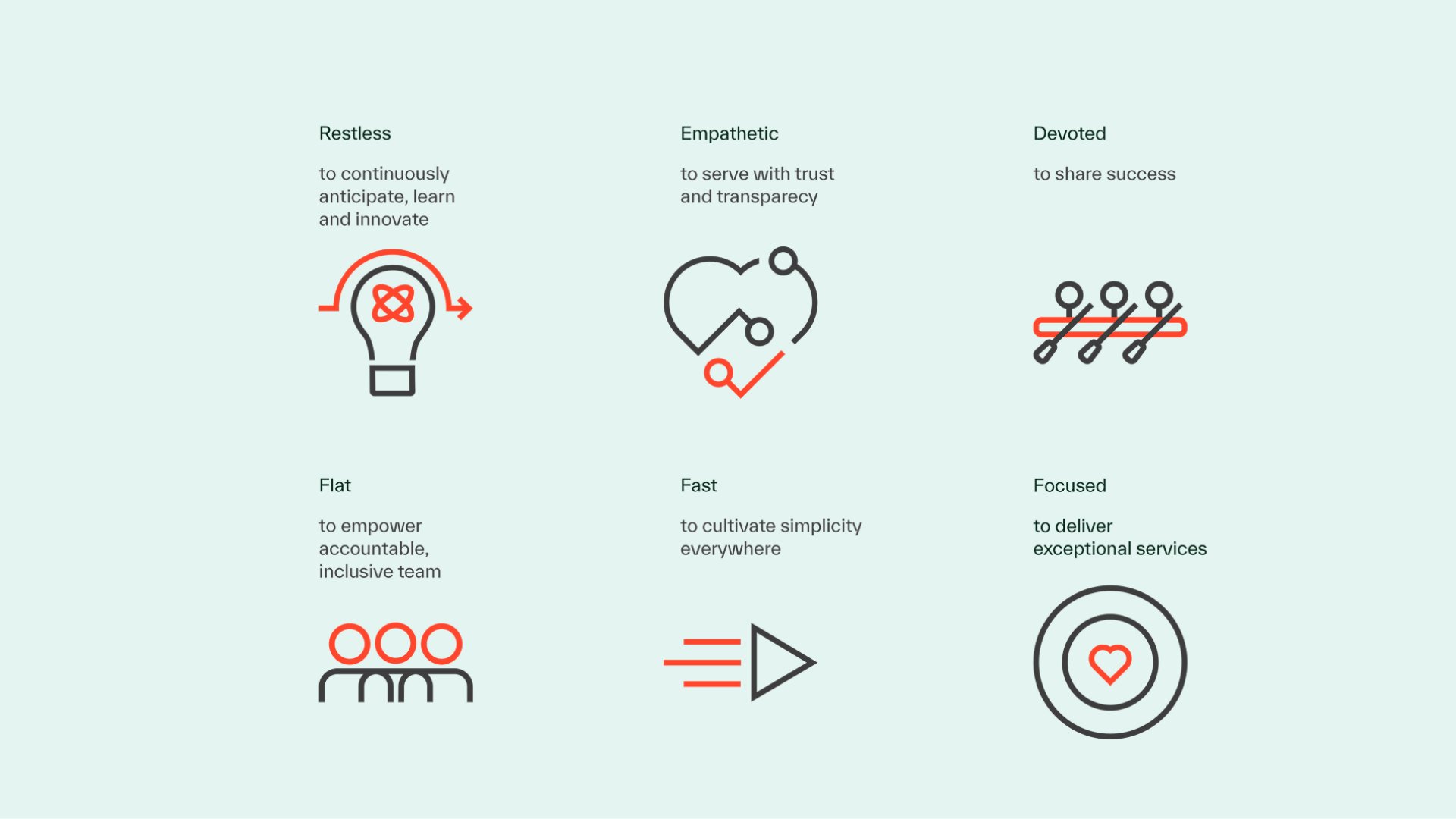
The Kyndryl Way icons
In addition to our standard Expressive and Simplified icons, we have created six special icons to represent our Kyndryl Way culture attributes. These icons are limited use, for internal assets only. They are specific to the Kyndryl Way and should only be used for Kyndryl Way-related assets.
Accessibility
Duotone icons — including all Expressive icons and two-color Simplified icons — are not accessible and should only be used for decorative or illustrative purposes. When an icon is functional, use the monotone (single-color) Simplified icons and place them on an accessible background.
Note
When an icon is used to help an individual perform an action or understand the content on a web page, the icon color against the background must meet the minimum color contrast requirement of Web Content Accessibility Guidelines (WCAG) section 4.5.1.
Iconography misuse

For functional icons, avoid color combinations that do not meet accessibility requirements.

Do not pair an icon with an offering without approval, that creates a lock-up and is reserved for certain initiatives such as : Kyndryl Cheers

