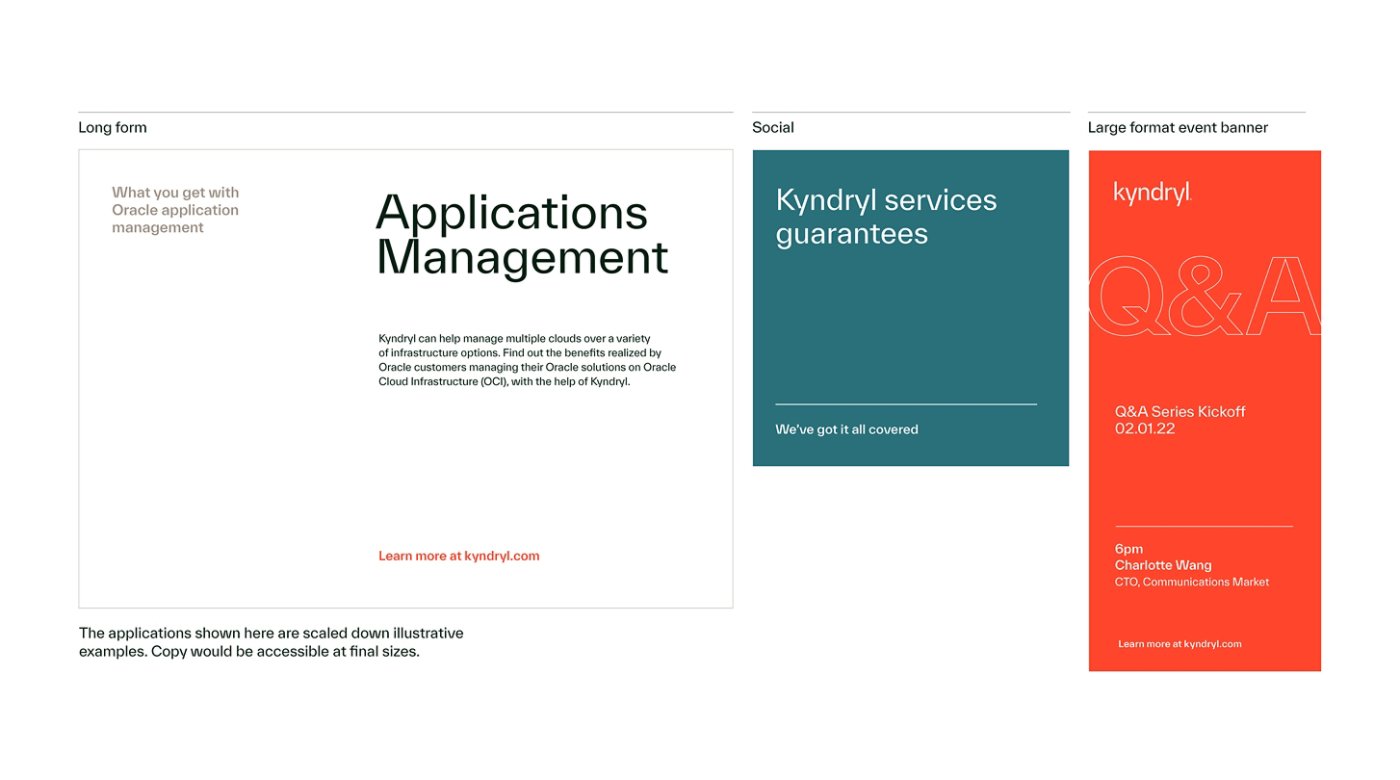
Typography
Overview
Our typography system is clean and modern, deliberately balancing crisp angles with softer, organic forms to express both energy and warmth. A defined range of weights, along with functional and expressive type styles, provides contrast and control—ensuring all communications are highly accessible, engaging and distinctly Kyndryl.
Our brand typeface
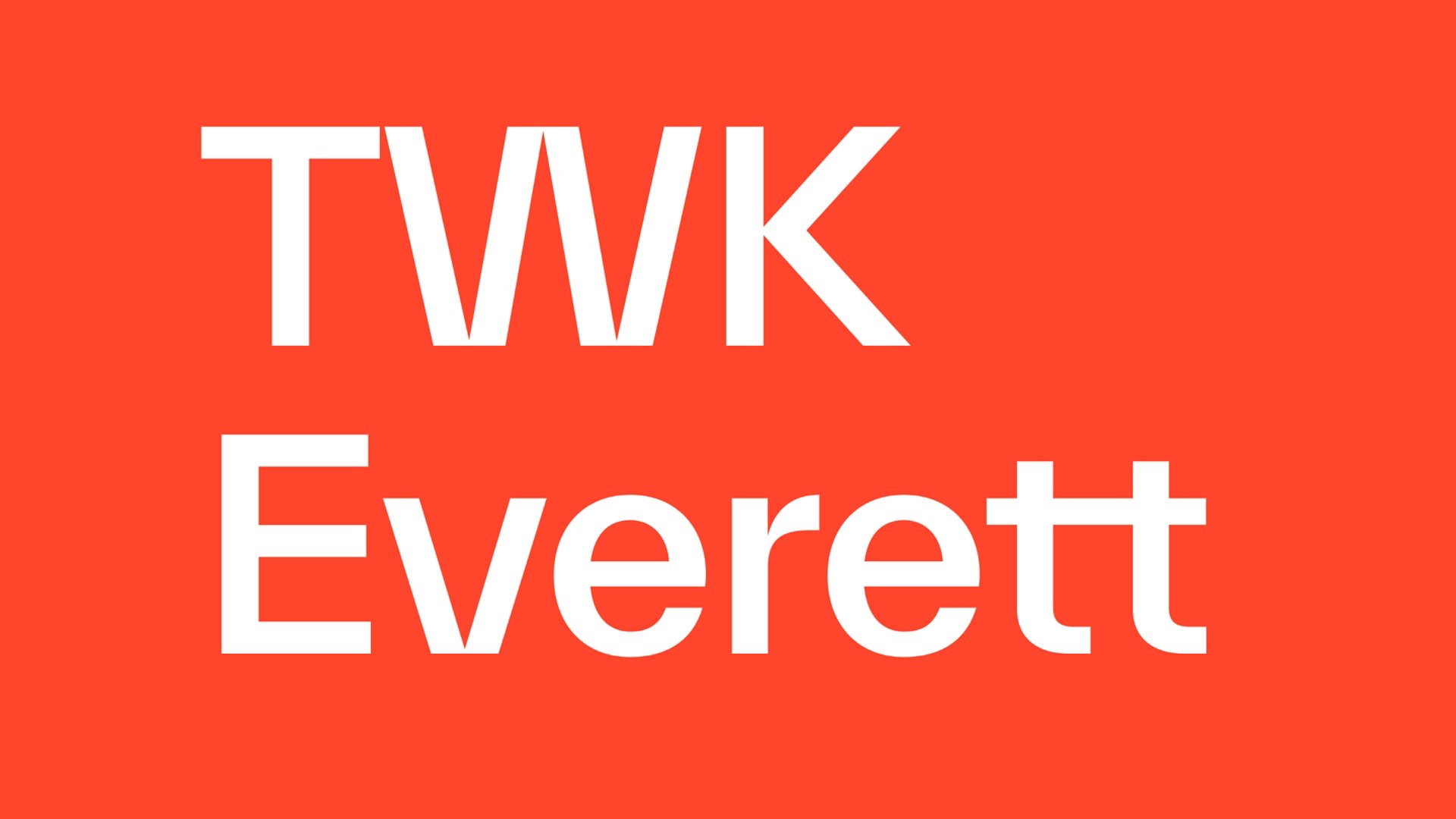
Our brand typeface for all Latin-alphabet languages is TWK Everett. Its mix of sharp cutoffs and smooth curves gives our assets a modern look that feels both technical and organic. The generous curves and taller lowercase letters (“x-height”) also improve readability, making TWK Everett easy to read in body copy, even at smaller sizes.
At Kyndryl, we primarily use the Light, Regular, Medium and Bold weights. We do not use TWK Everett Black. When setting subheads, consider using a contrasting color rather than relying on weight alone — this helps create a clearer hierarchy and makes content easier to scan.
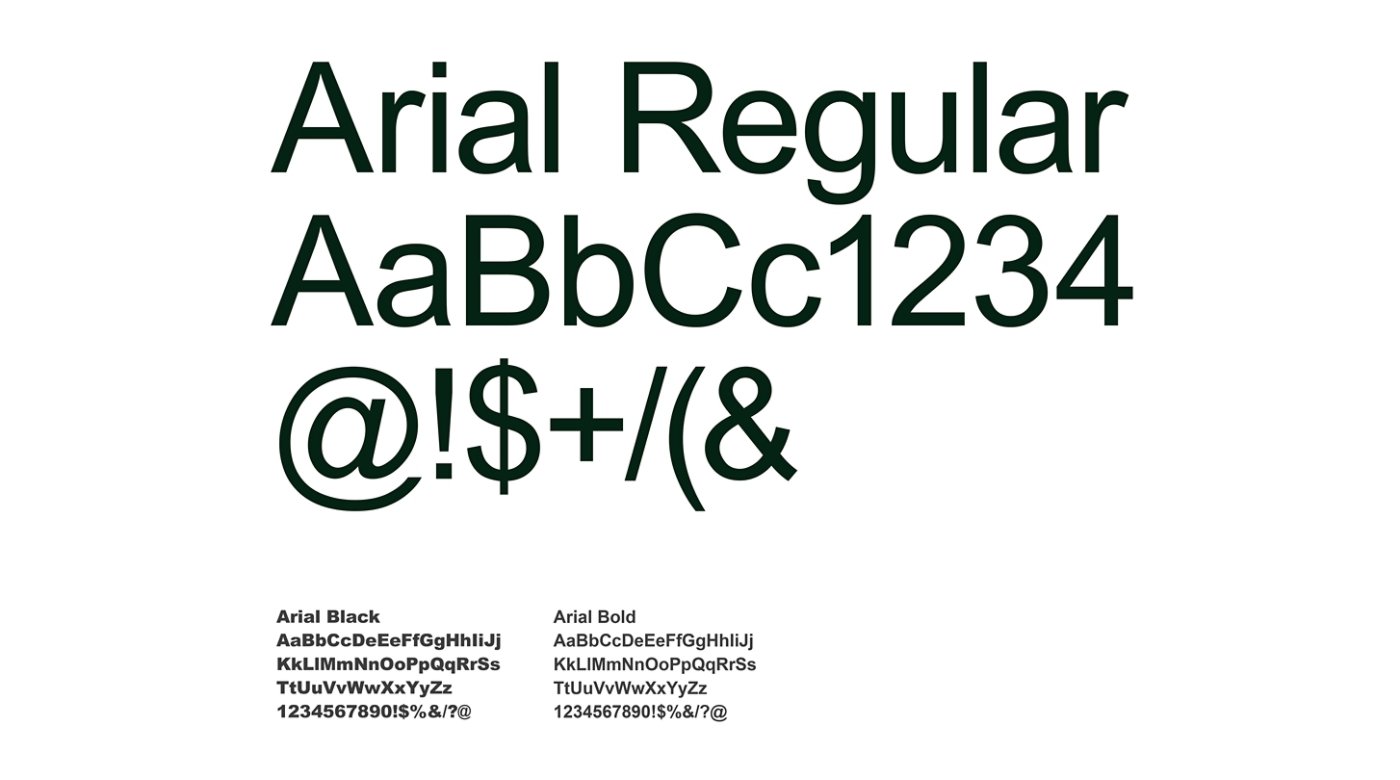
If TWK Everett is not available or not supported by a third party (e.g., a customer PowerPoint presentation), use Arial, our default system typeface.

Our system typeface
A system typeface is a practical fallback font, used when the brand typeface isn't available or may not display correctly. Chosen for its reliability and compatibility across devices and platforms, as well as for its overall similarities to TWK Everett, Arial is our system typeface for all Latin-alphabet languages. Use this typeface when TWK Everett is not an option (e.g. sending a customer PowerPoint externally or in environments where fonts can't be embedded).
Typography styles
At Kyndryl, we use a number of distinct typography styles that serve different purposes within our design system, helping to organize information, guide readers, and express excitement. Our Functional style is used for clear, straightforward communication. Our Expressive styles (Connected type and Outlined type) are used more sparingly to enhance brand expression and create moments of visual impact.
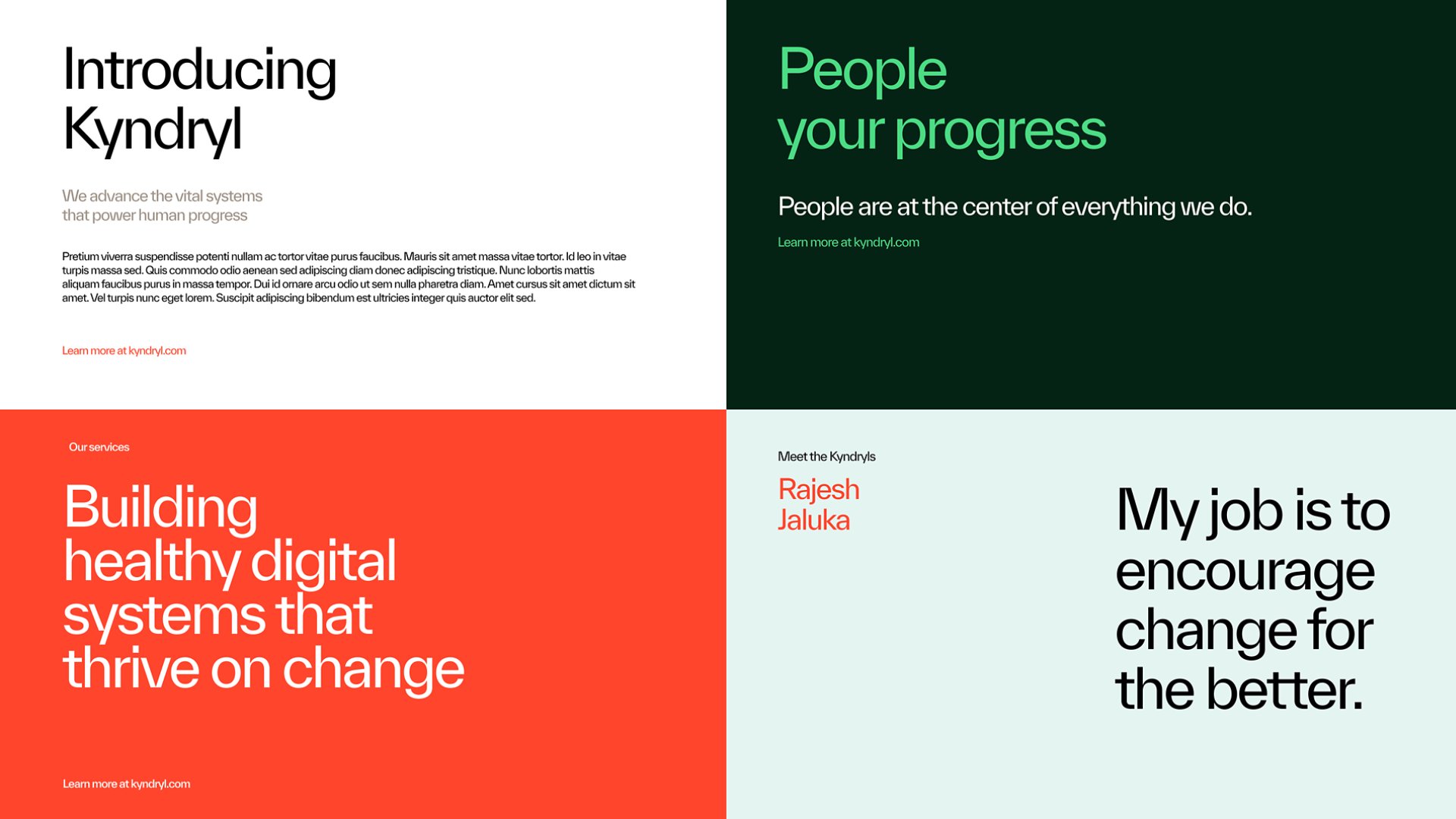
Functional style
Our Functional style focuses on clear communication, helping to establish information hierarchy, support readability, and make content easy to scan. This style is typically applied to body copy, headings, subheadings, labels and other informational text where clarity and accessibility are most important.
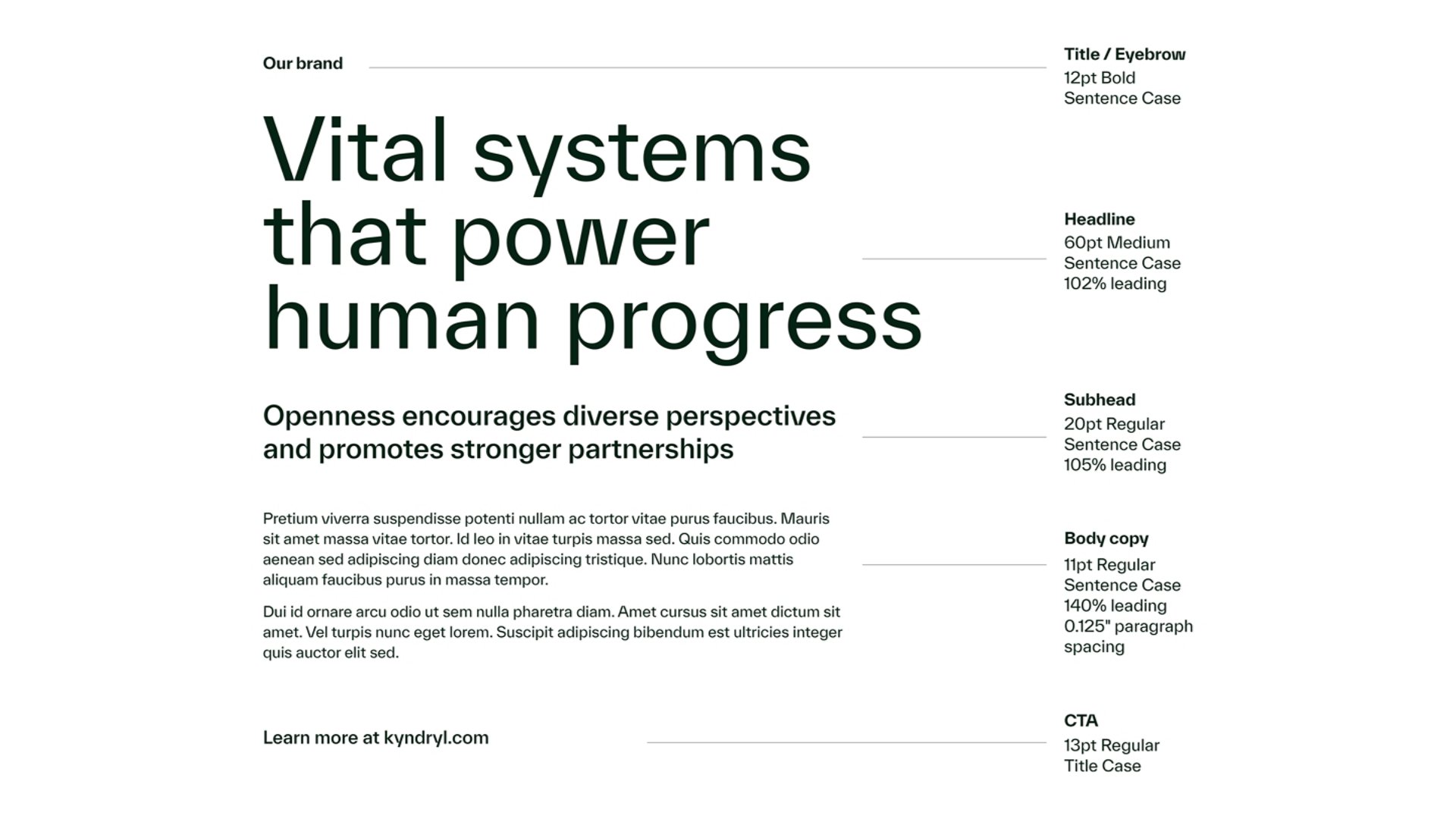
Type hierarchy
Our Functional style uses a clear and intentional type hierarchy to guide the reader and signal levels of priority or importance, improving readability and visual engagement. To the right, you can see how each level of type — titles, headlines, subheads, body copy and CTAs — uses specific variations in size, weight, color and spacing.
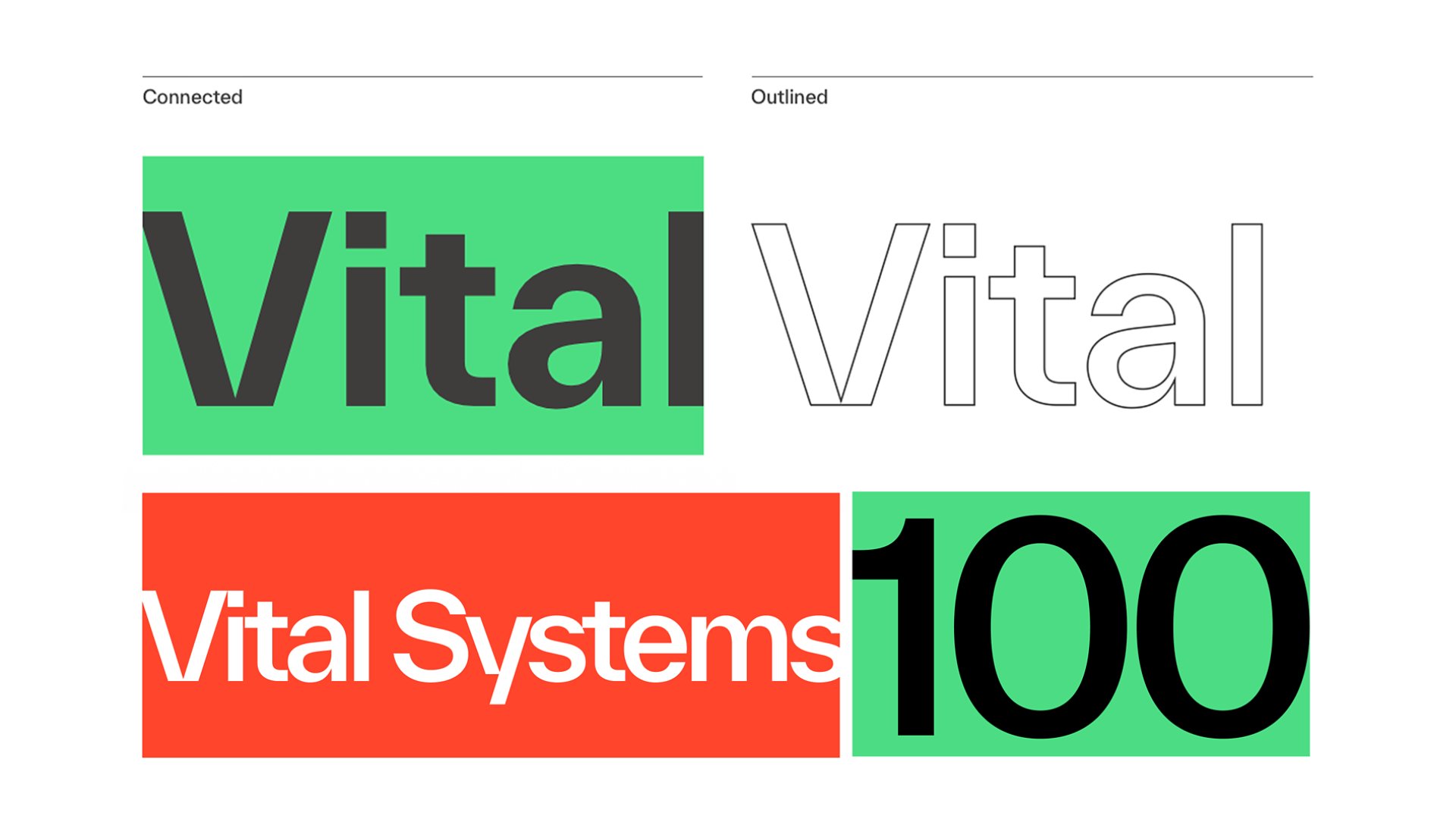
Expressive styles
Our Expressive styles are used to enhance storytelling and brand expression — not to replace functional text — and should be used sparingly alongside our Functional style. We offer two Expressive styles: Connected type and Outlined type.
Connected type
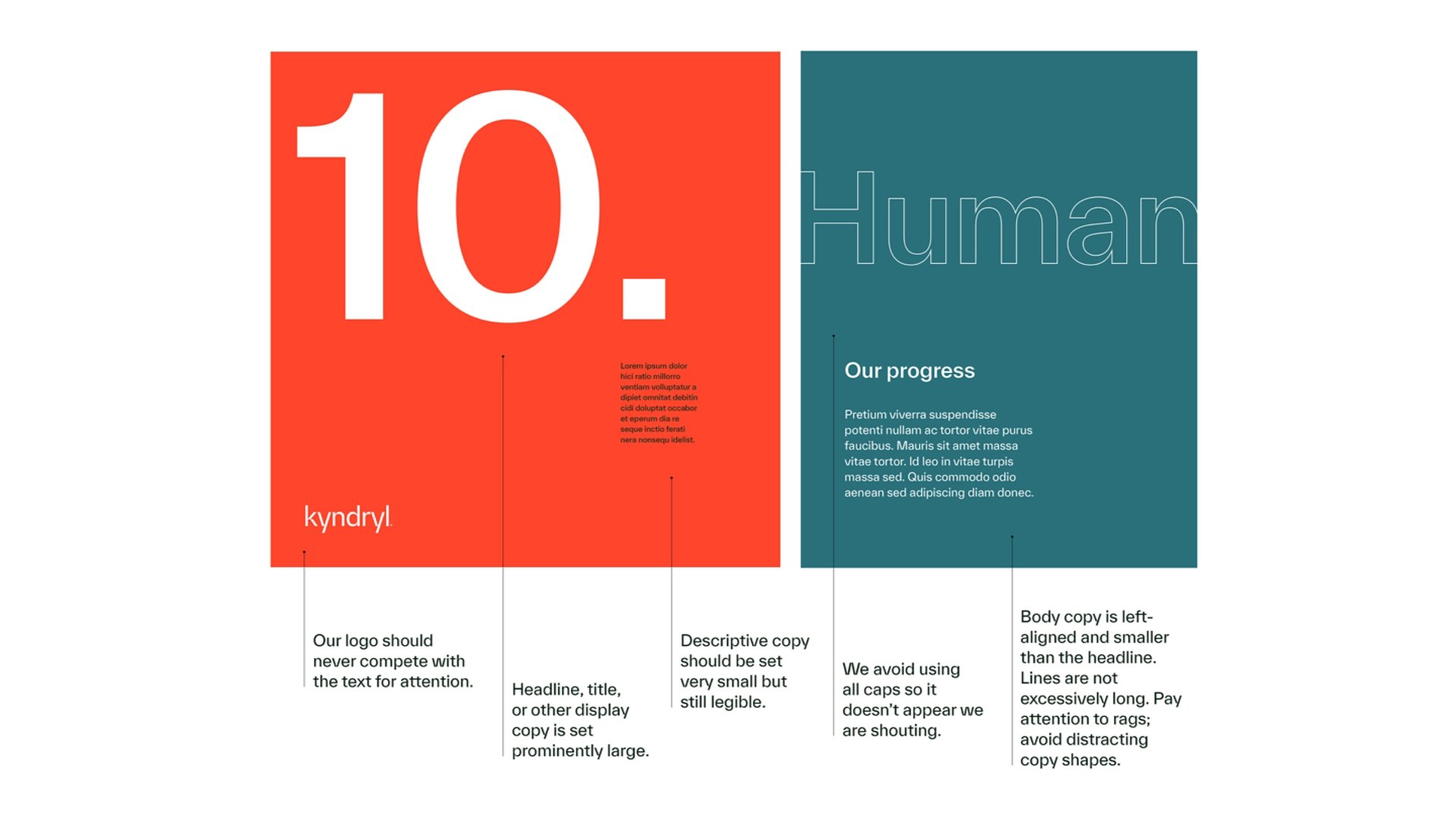
Our Connected type helps express our global reach and the scale of our impact by visually extending across a space. It's created when text spans from one side of a filled box to the other, reinforcing a sense of continuity and connection.
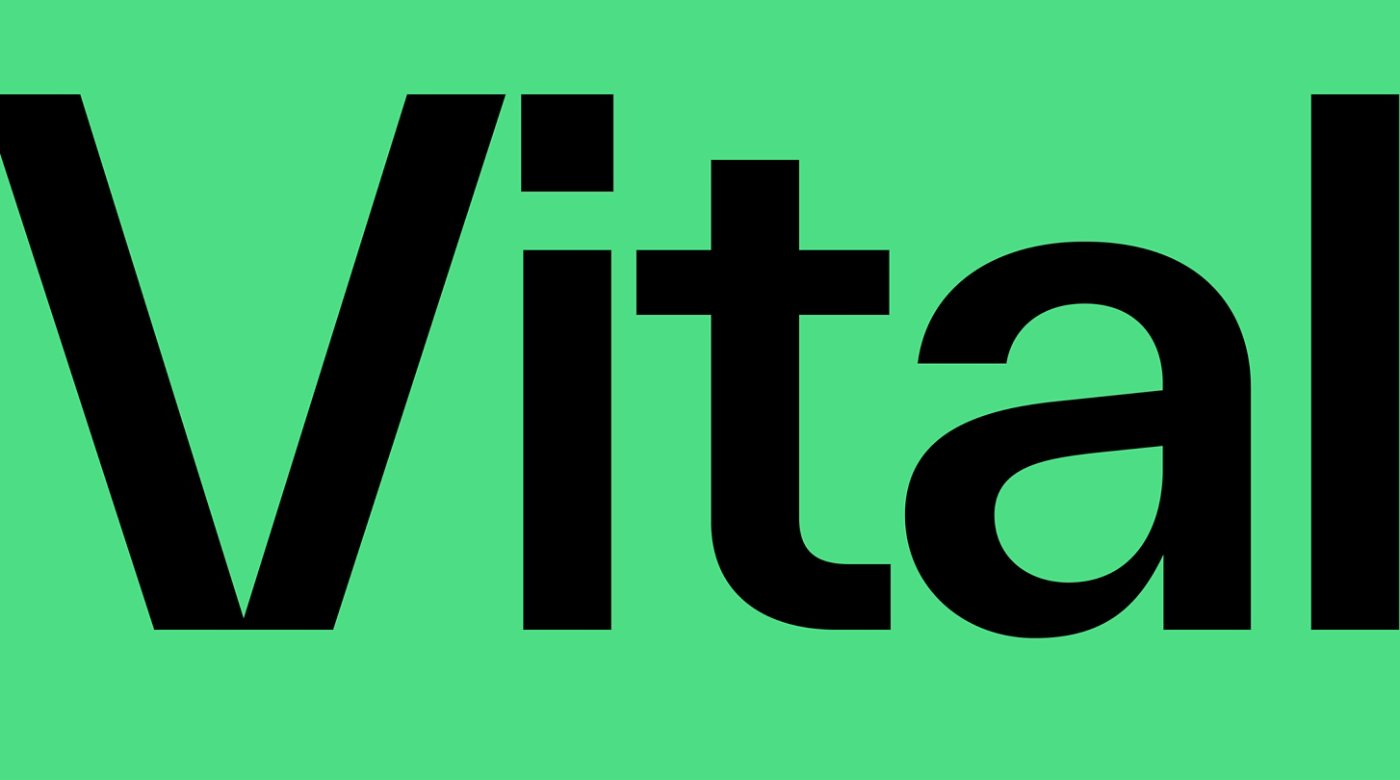
How to use Connected type
01
Place a word or short phrase inside a filled box and gently crop the edges to create a seamless, connected effect. Always ensure that the text is running from left to right, and that the phrase remains legible despite cropping.
02
Never stack type. This style should only be used for shorter words that extend from one side of the filled box to the other — if stacking occurs, shorten verbiage or redesign without connected type.
03
Don’t crop more than two sides of the filled box. Cropping three or more sides can affect legibility.
Outlined type:
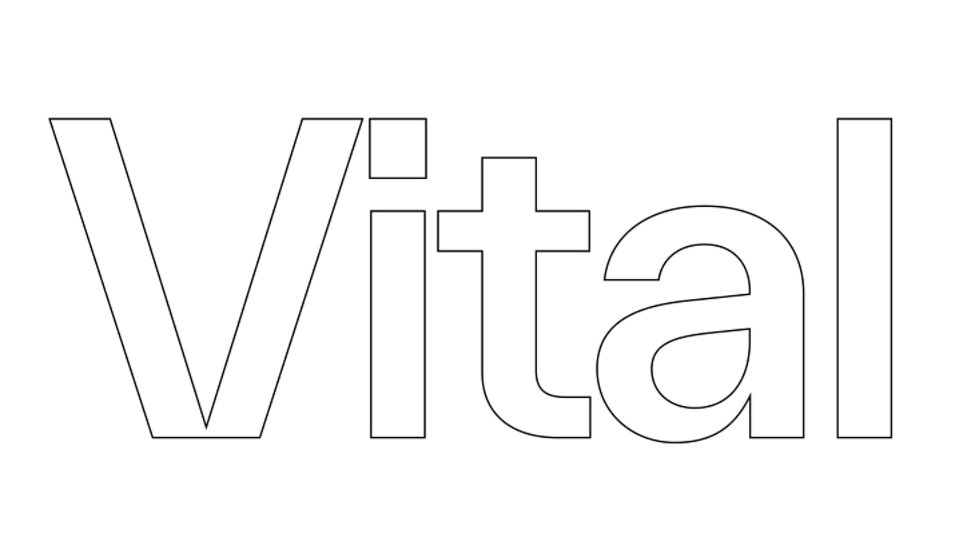
Our Outlined type represents our foundation for growth. It features text with no fill — using only an outline color — to create a light, open feel.
Limited use
Our Outlined type is limited use, only used for headlines and large callout text in important visual assets. Outlined type should always be sized large enough to ensure accessibility and visual impact.
How to use Outlined type
01
Outlined type can be created in Adobe InDesign, Adobe Illustrator, or other typesetting tools. In InDesign or Illustrator, select the text and switch the color from Fill to Outline, or choose Type > Create Outlines. Make sure to choose single, solid lines for outlines; avoid dotted or dashed lines.
02
Always size Outlined type generously to ensure strong visibility, accessibility and impact. Adjust the stroke weight carefully — too thin reduces legibility, while too thick can feel heavy or clunky.
03
Avoid creating stray line extensions by double checking outlines as lines thicken. If needed, reduce the stroke weight to eliminate stray line extensions. This tends to work better than adjusting the miter limit, which can cut off character corners.
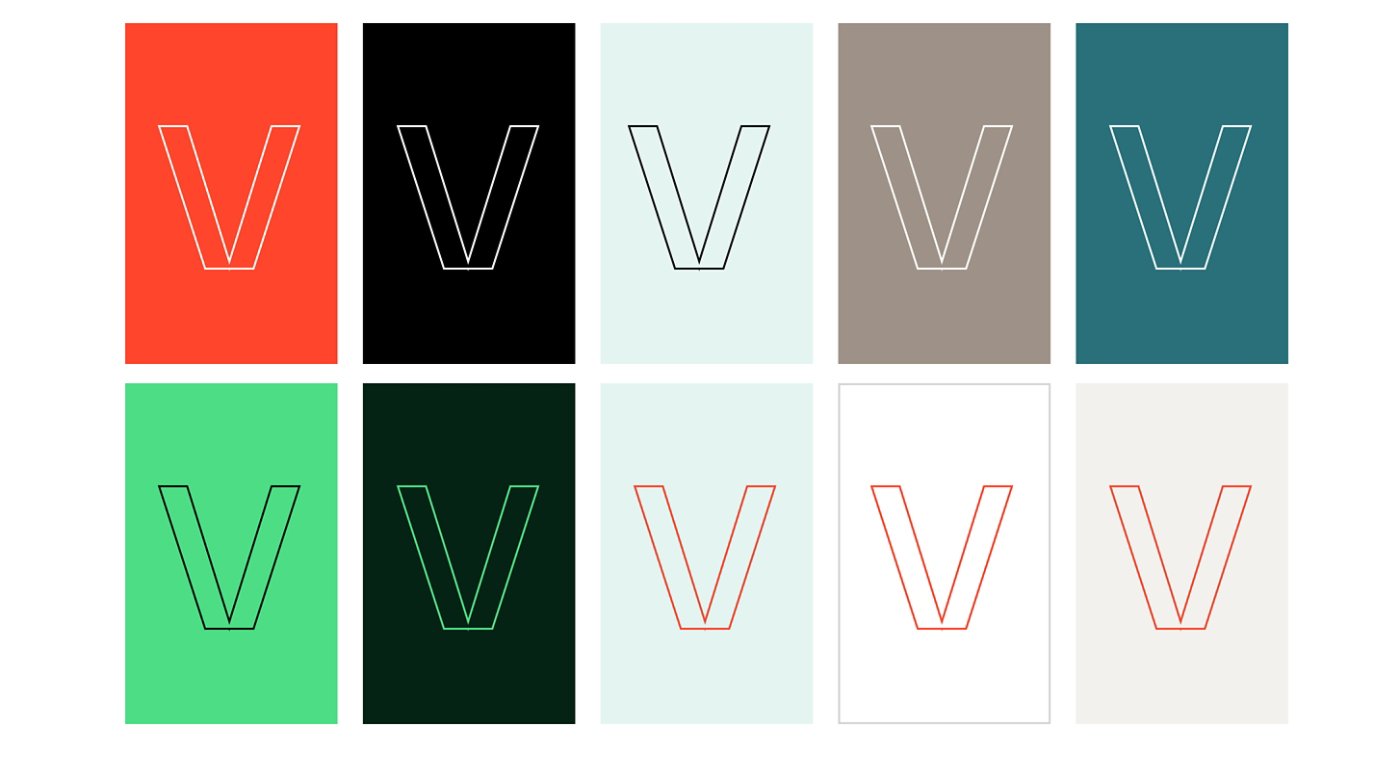
Preferred color combinations
As mentioned, our color combinations are chosen for both impact and accessibility. To the left are the preferred color combinations when placing Outlined type on backgrounds.
Using typography in layouts
When typesetting our communications, we have a few guidelines in order to ensure legibility and a seamless reading experience.
Example layouts