Kyndryl brand standards
Living trellis

Overview
Our Living Trellis reflects the way that we embrace integrated, well-built systems and create further connection. Unlike the Vital K, which calls attention to information, the Living Trellis serves as an underlying visual structure that supports content and allows it to grow.
The Living Trellis can be used as an underlying structure in a variety of use cases and content types, flexing to fit the tone and function of each piece.

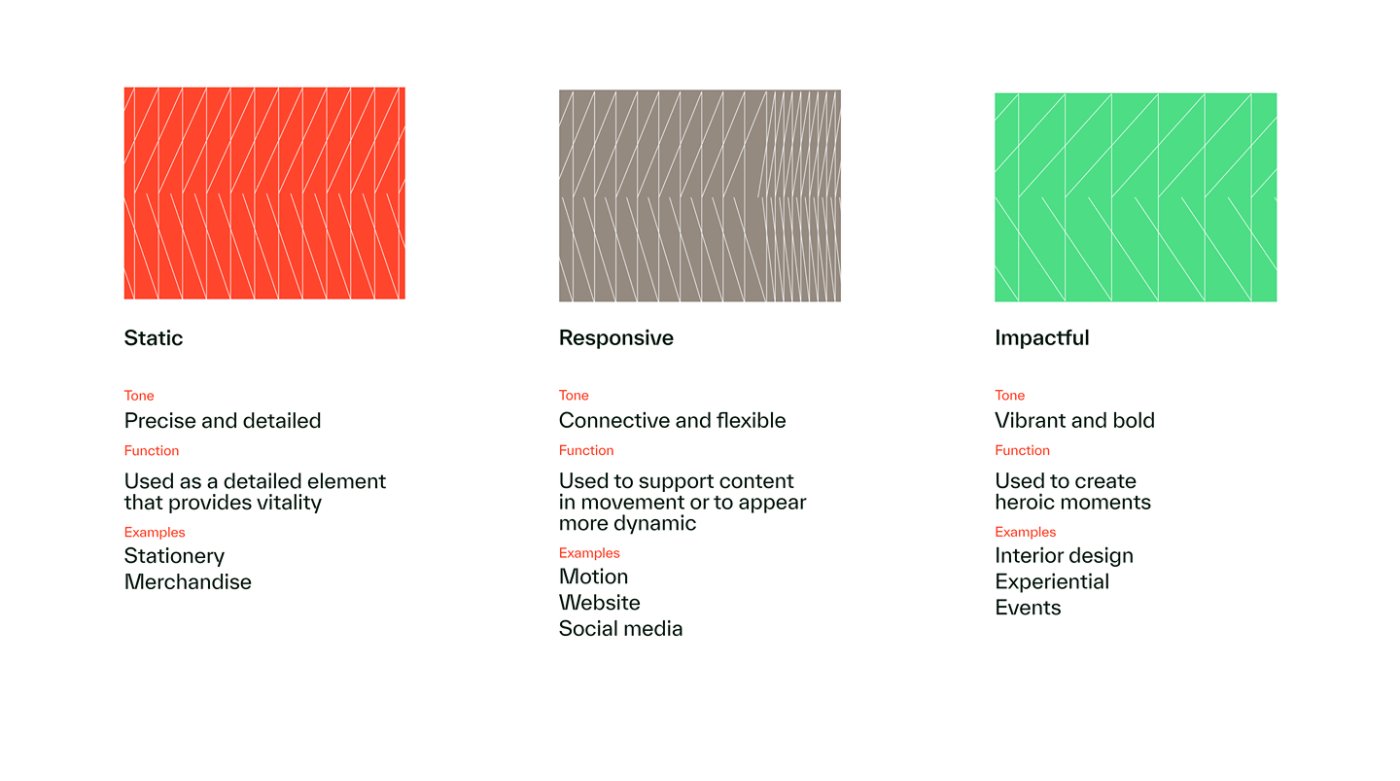
Design guidance
From the precise detail of the Static trellis, to the flexible, connective Responsive trellis, to the bold, high-impact Impactful trellis, the Living Trellis adapts across a wide range of use cases and content types — flexing to match the tone and purpose of each moment.
The following guidance outlines how to position and use all versions of the Living Trellis across layouts and use cases, including clear direction on when to create and apply each trellis.
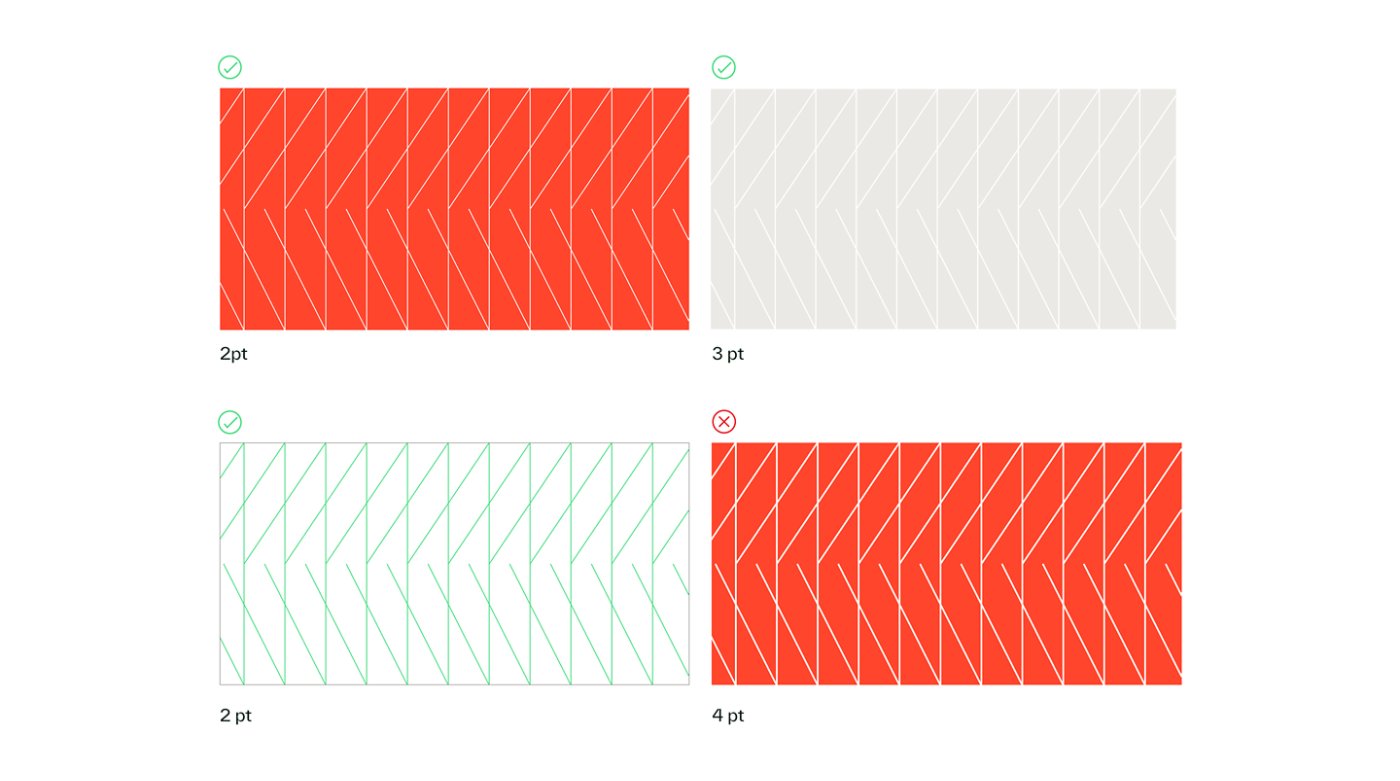
Stroke weight and size
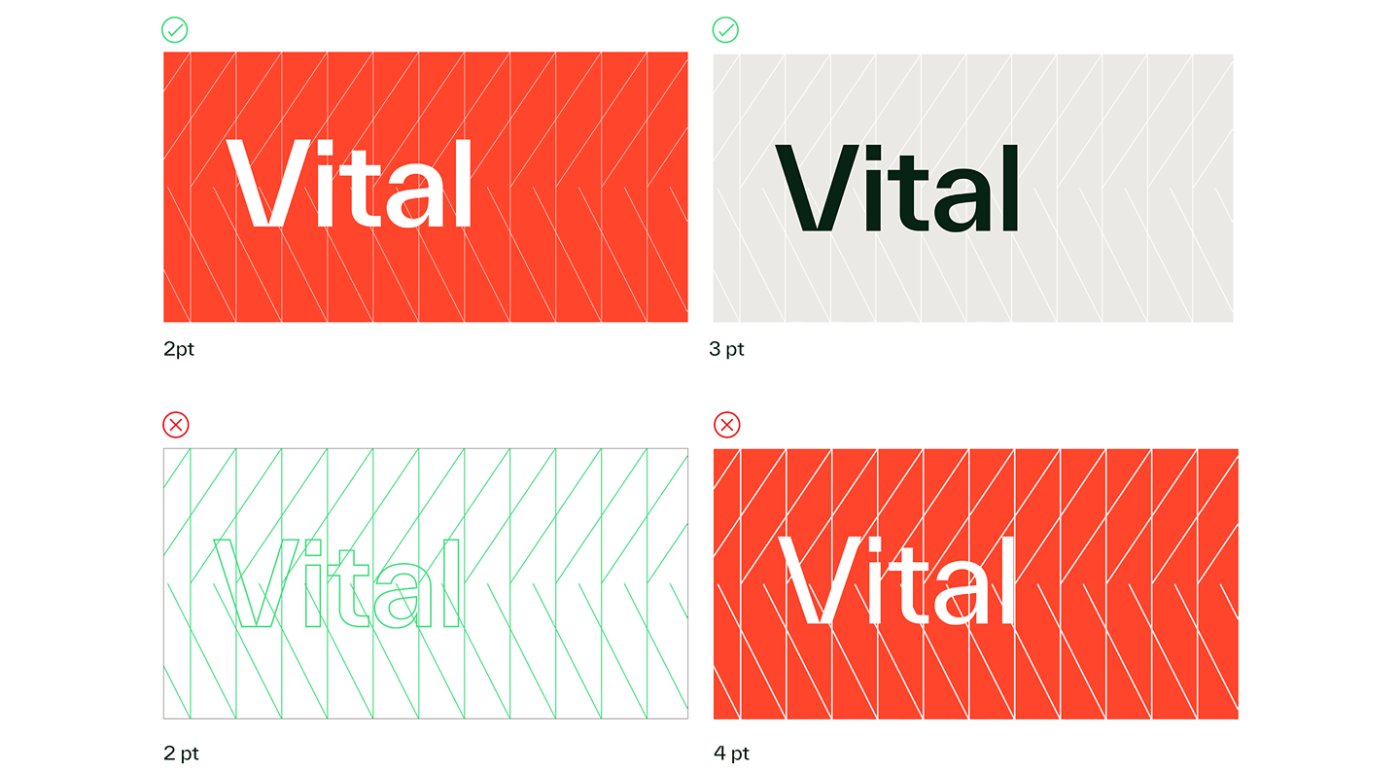
Like the Vital K, the Living Trellis should be used at thin line weights to create an elegant, light feel, rather than a forced or heavy one. The stroke should be subtle but still visible, with exact stroke size depending on the format, size and color of the trellis itself.
To the right are a few examples that help illustrate what we mean by “heavy.” In the example on the top right, a thicker line weight is used for clarity but still feels balanced because the colors are lighter and more textural. In the example on the bottom right, a similar stroke weight is used, but the darker, denser treatment makes it feel noticeably heavier overall.
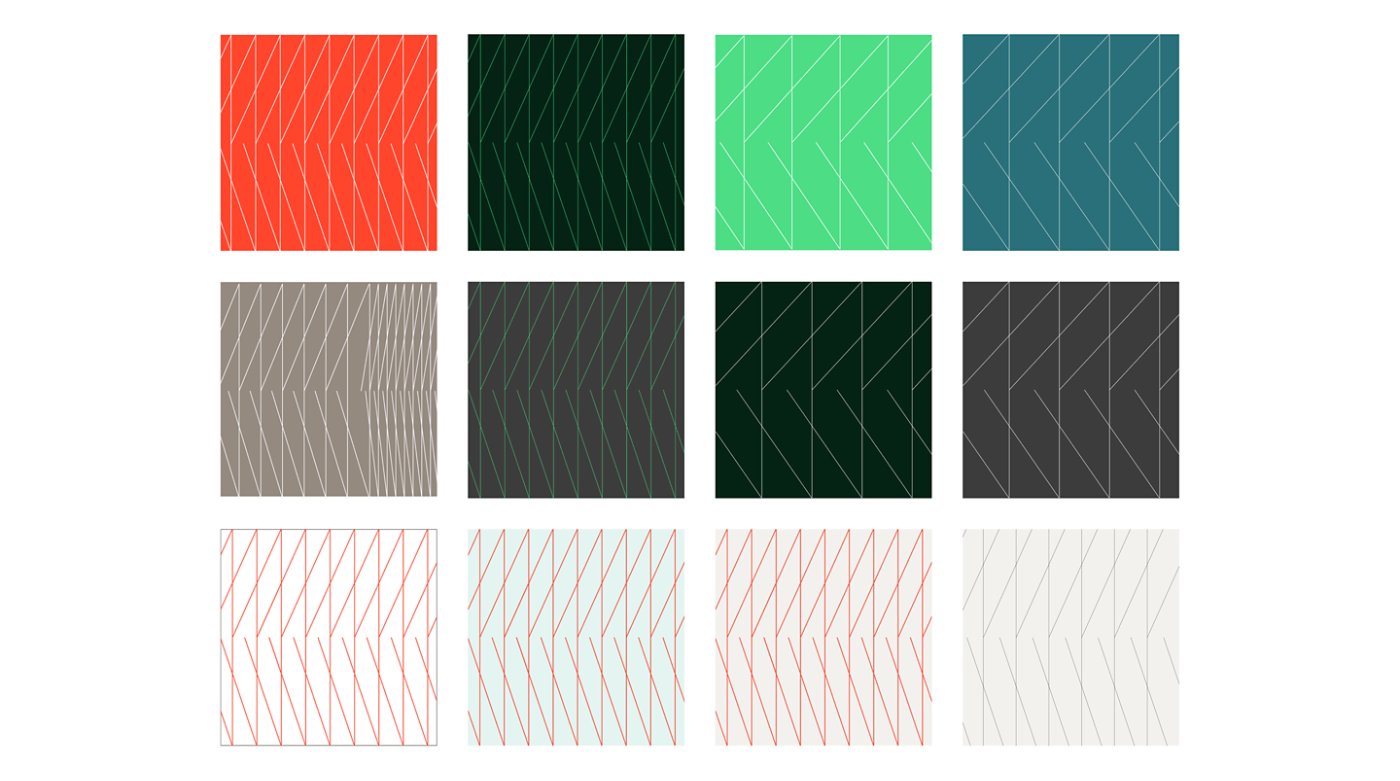
Color combinations
Below are several approved color combinations for the Living Trellis. While not exhaustive, each option highlights the trellis at its best — clean, legible and dynamic.
Editing and cropping
The Living Trellis may be cropped on the sides, but never on the top or bottom, so its full angles remain visible. When cropping the sides, remove entire lines to preserve the trellis's “k” shape.
The trellis should never read as a triple K pattern. To prevent this, aim for at least five visible K's in a pattern and ensure that there is always a visible gap between the parallel lines.
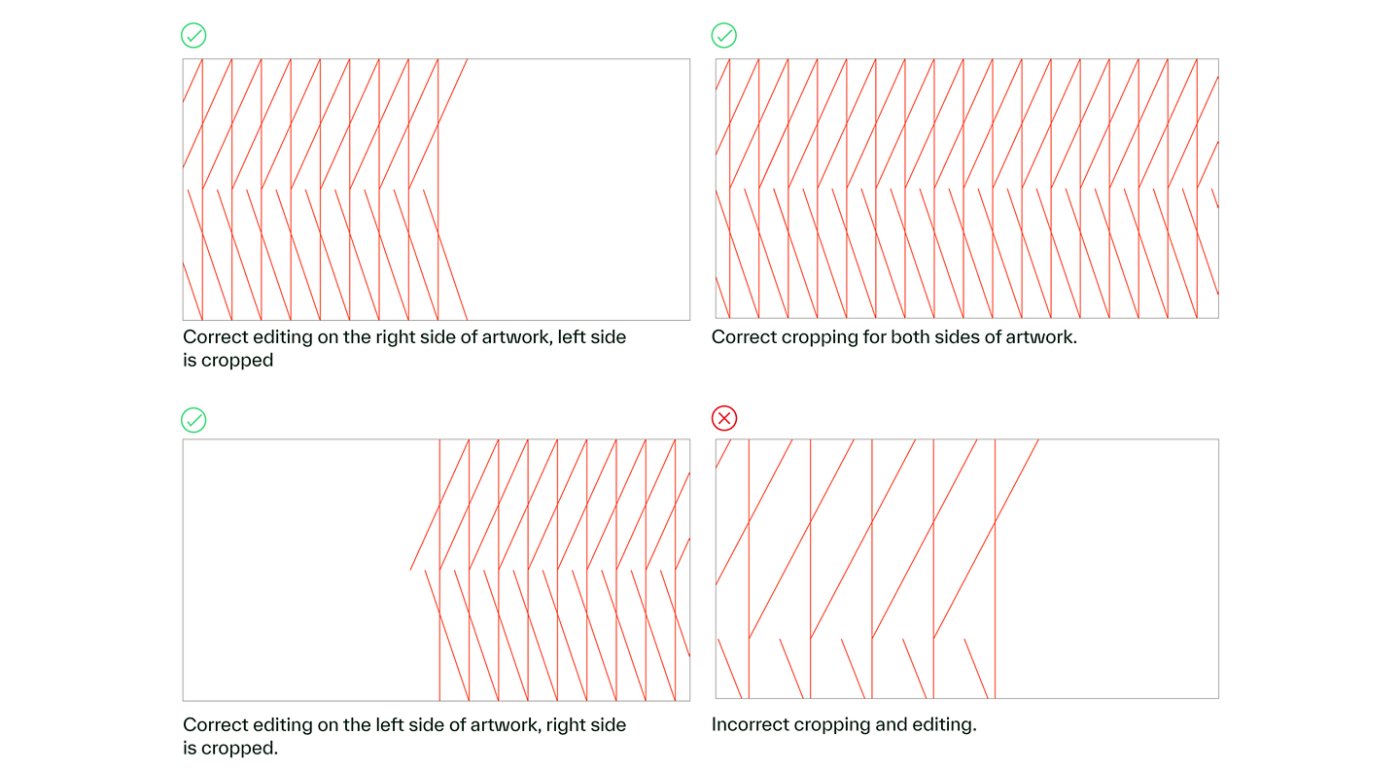
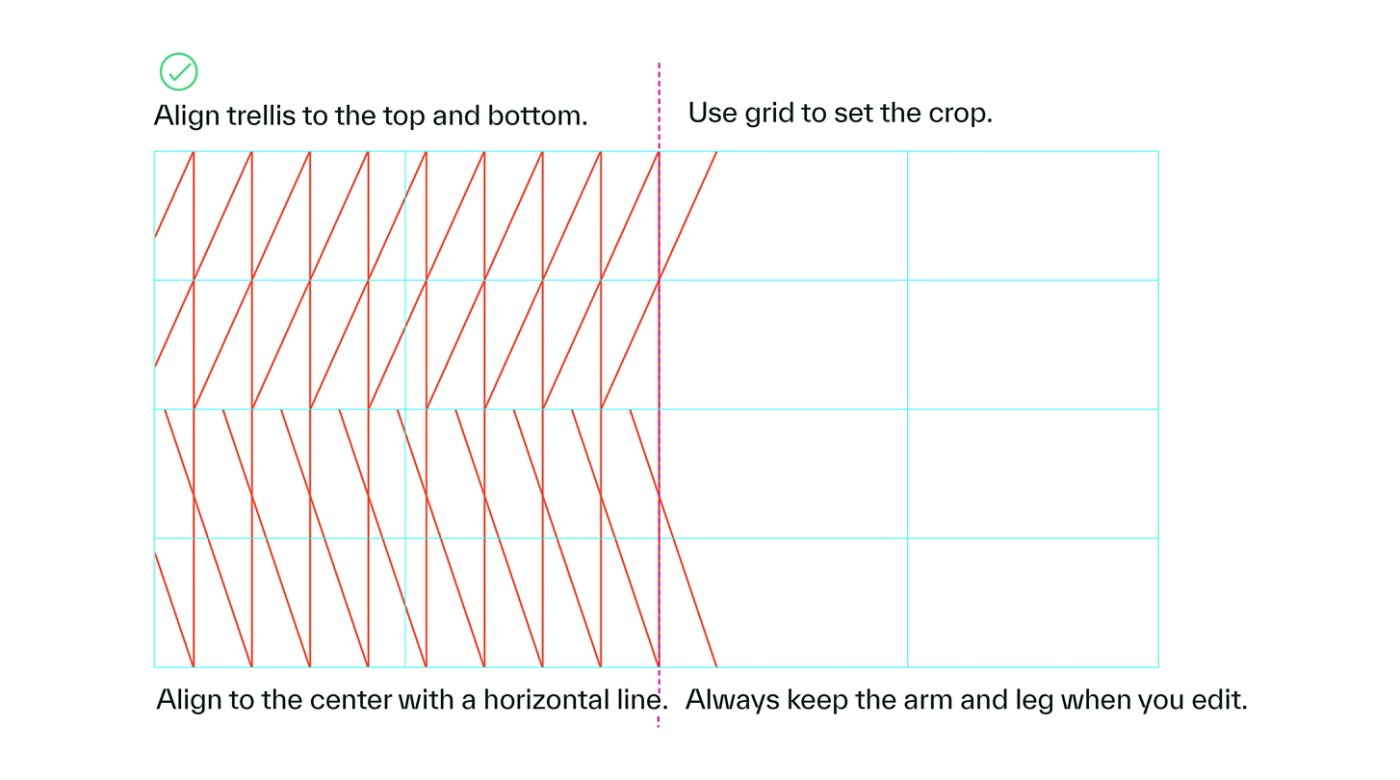
How to properly crop the trellis:
To crop the trellis on the left, start by scaling it to fit the full vertical space. Once it’s aligned to the top and bottom of your grid, shift it so the full right side remains visible. Crop as needed, leaving the diagonal lines at the edge to convey growth and preserve the “k” shape of our logo.
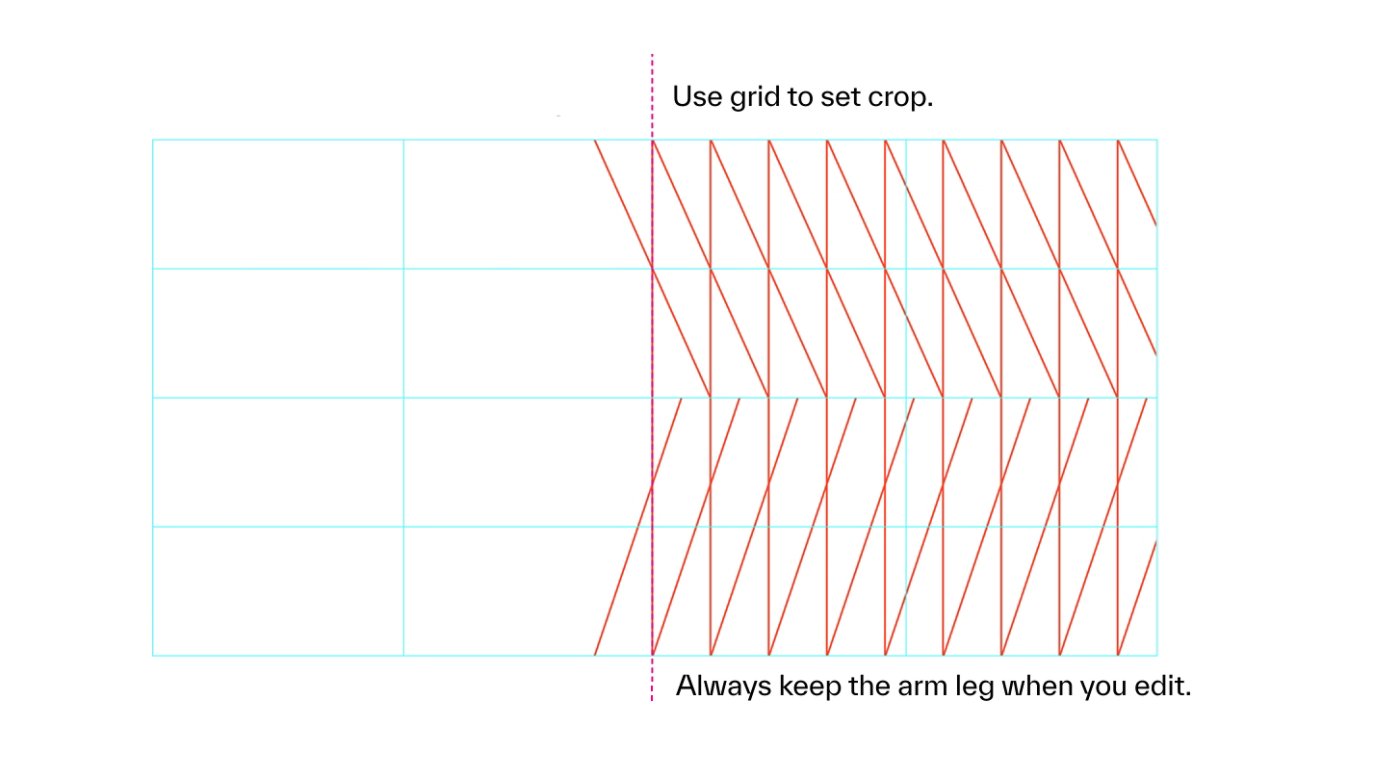
Cropping trellis to the right:
Cropping on the right follows the same approach — just be sure to retain the diagonal legs so the trellis maintains its character and structure.
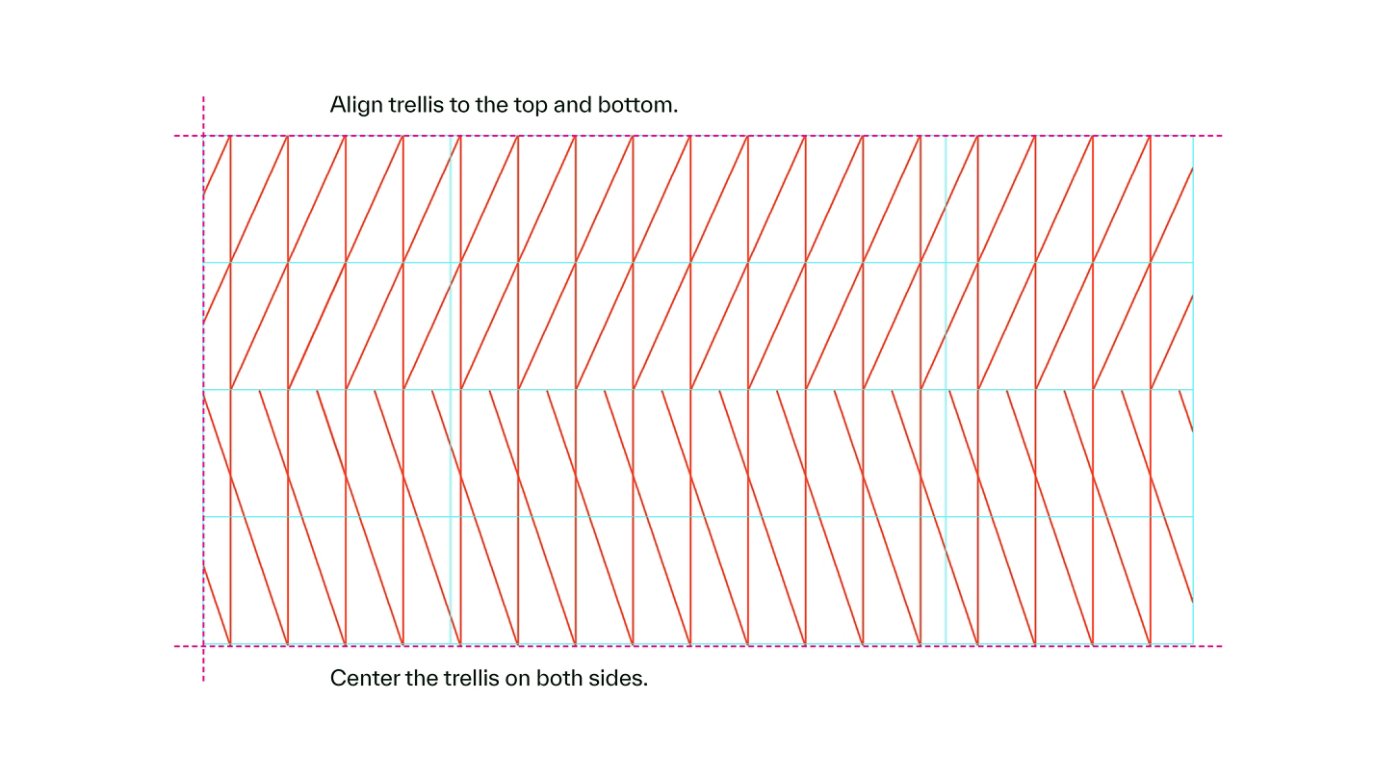
Cropping both sides of the trellis:
When cropping the trellis on both sides, scale it to fit the full vertical space and then center it, making sure to leave diagonal legs on both sides.
Responsive trellis
The responsive version of our Living Trellis creates a striking moment of impact, with varying widths that visually accelerate and come together. By seamlessly combining compressed and expanded versions of the static trellis, our Responsive trellis functions as a flexible element, scaling across a wide range of heights, lengths and use cases.
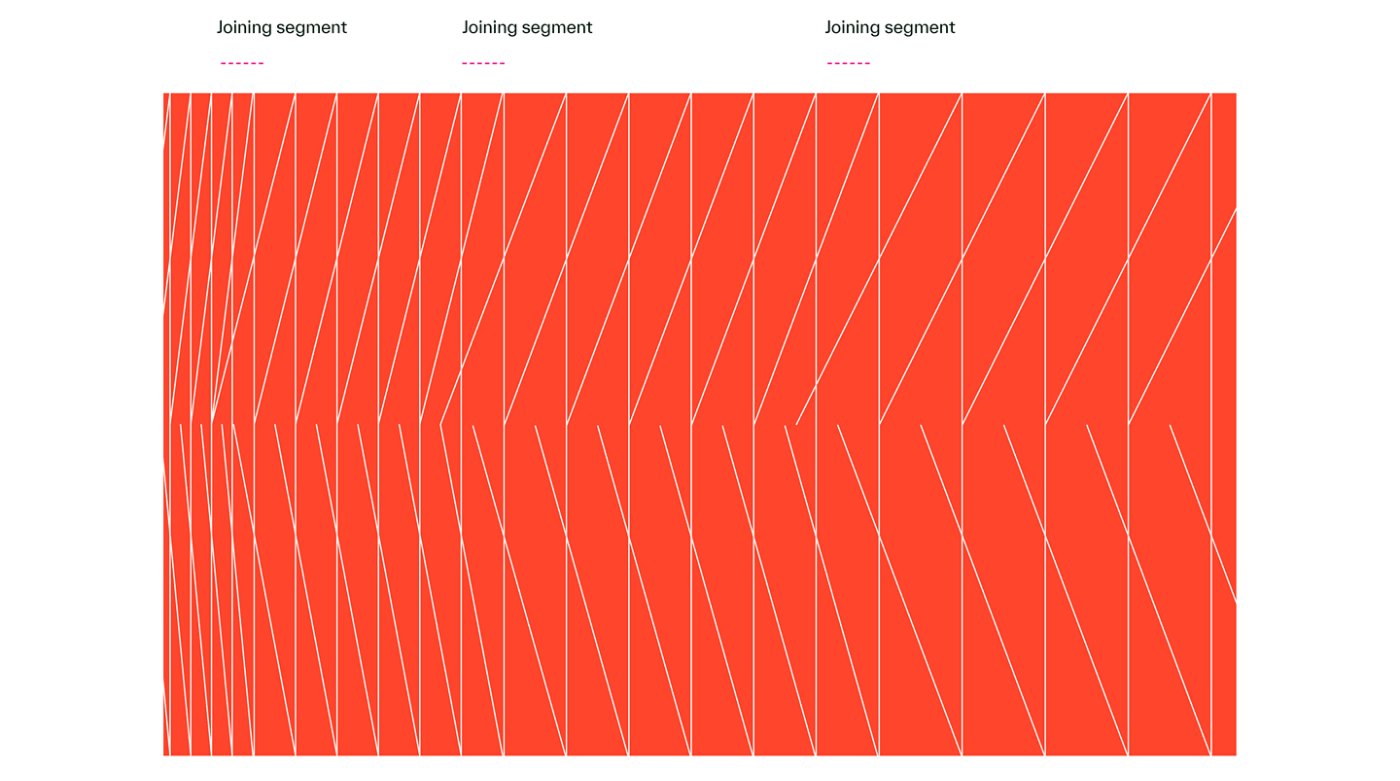
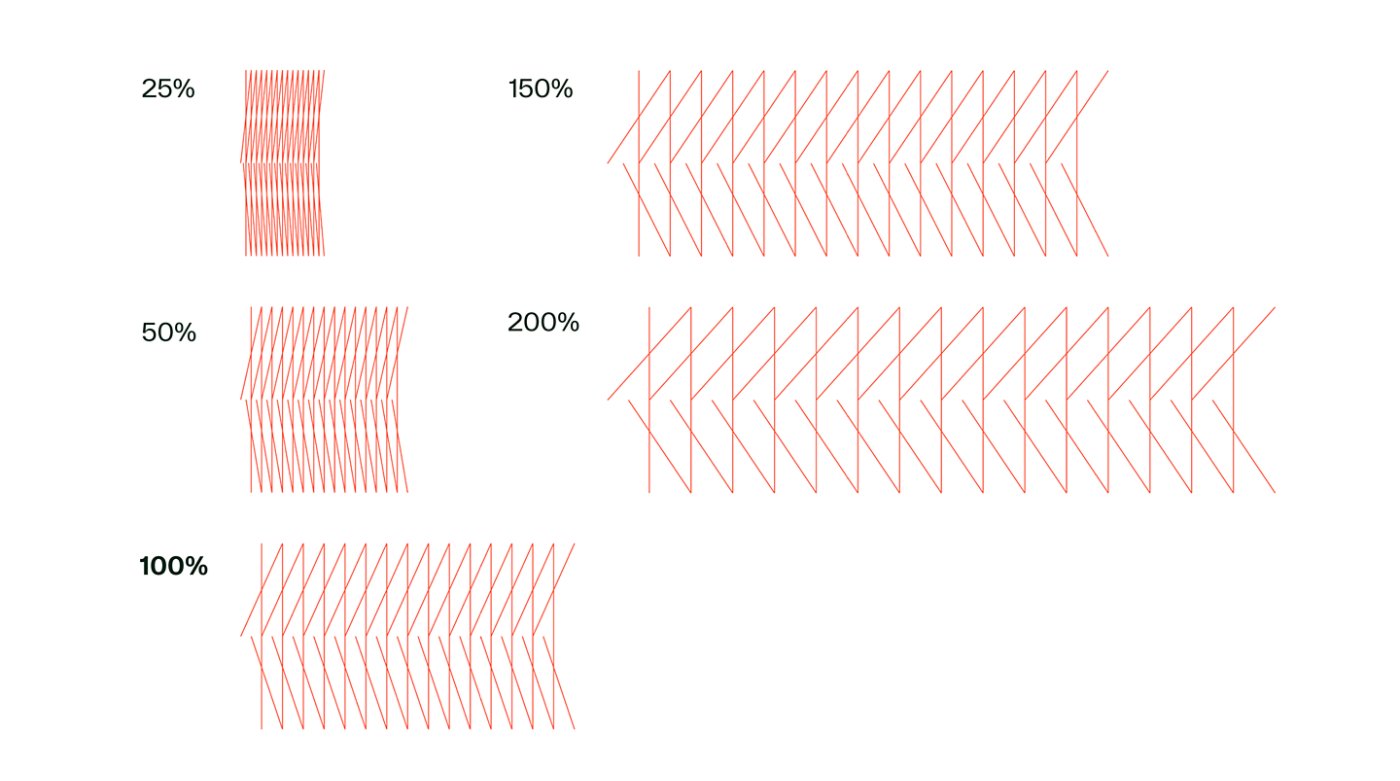
Building a Responsive trellis
To build a Responsive trellis, we seamlessly combine compressed and expanded versions of the static trellis. To the left are the static variations most commonly used as building blocks. While the Responsive trellis can flex wider or shorter in special motion or environmental contexts, these compressed and extended versions form the foundation of most applications.
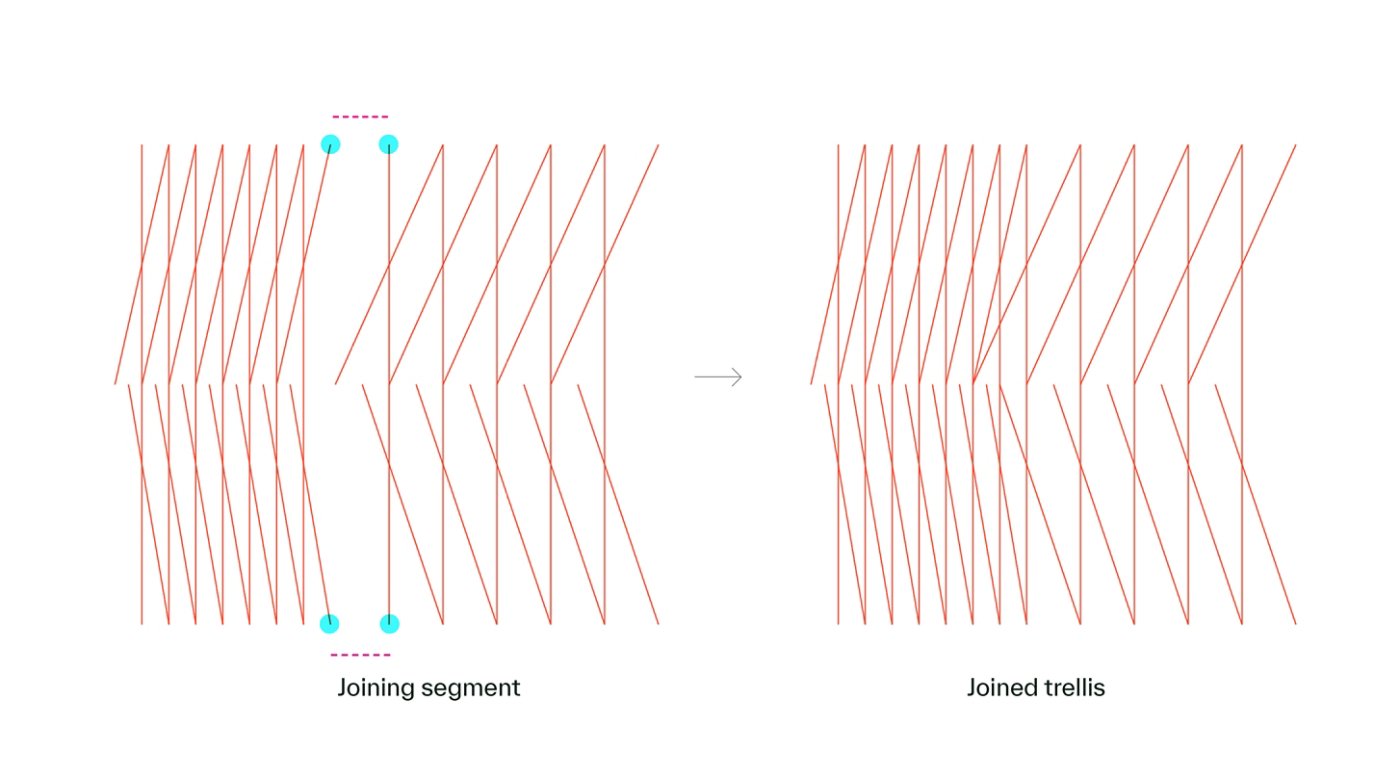
Joining segments
The compressed and expanded trellis versions are connected using defined joining segments. The visual to the right illustrates these joining segments and demonstrates how to connect them correctly to ensure seamless transitions.
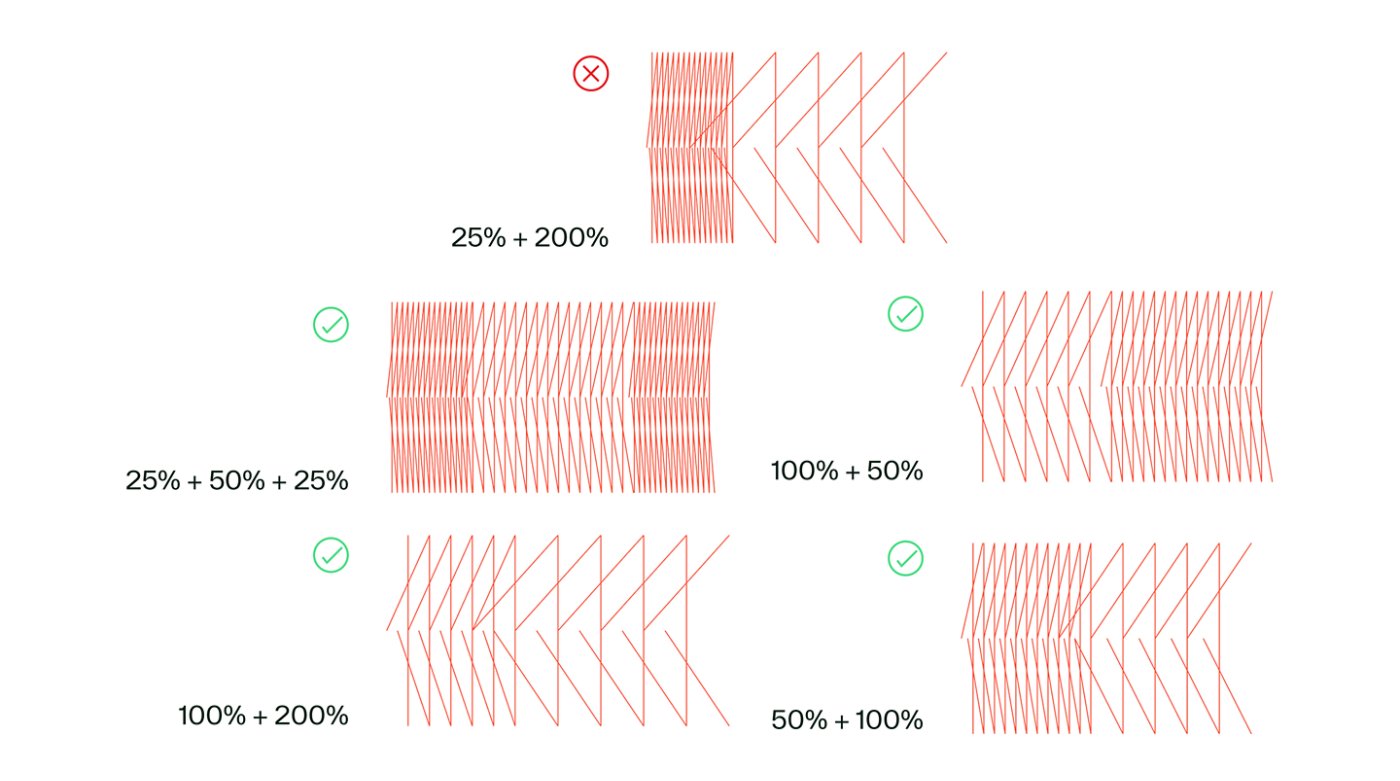
Trellis combinations
When selecting trellis variations to combine, aim for a natural progression. This is best achieved by pairing similarly expanded or contracted static versions, such as transitioning from 100% to 50% or vice versa. Avoid abrupt shifts, like going from 25% to 200%, which can feel visually jarring.
The Living Trellis with typography
When pairing the Living Trellis with typography, use short phrases set in large type with bold or medium weight. To preserve readability, reduce the trellis line weight significantly and avoid using Expressive type.
The Living Trellis with photography
The Living Trellis can serve as a decorative element when paired with photography. Explore our two approved treatments to the right.
01
Use the trellis as a frame, positioning the photo on top. Ensure enough of the trellis remains visible so the pattern is clearly recognizable — avoid scaling the photo so large that only fragments of the trellis lines remain.

02
Use the trellis as a visual anchor that "holds" the photo in place. This treatment creates a mrore dynamic, expressive layout.

Regardless of the treatment, avoid cropping photography to the shape of the trellis or placing images beneath it. Photos should always be placed on top of the trellis.
Misuse

Do not place the Living Trellis on top of other design elements.

Do not put elements behind the trellis.
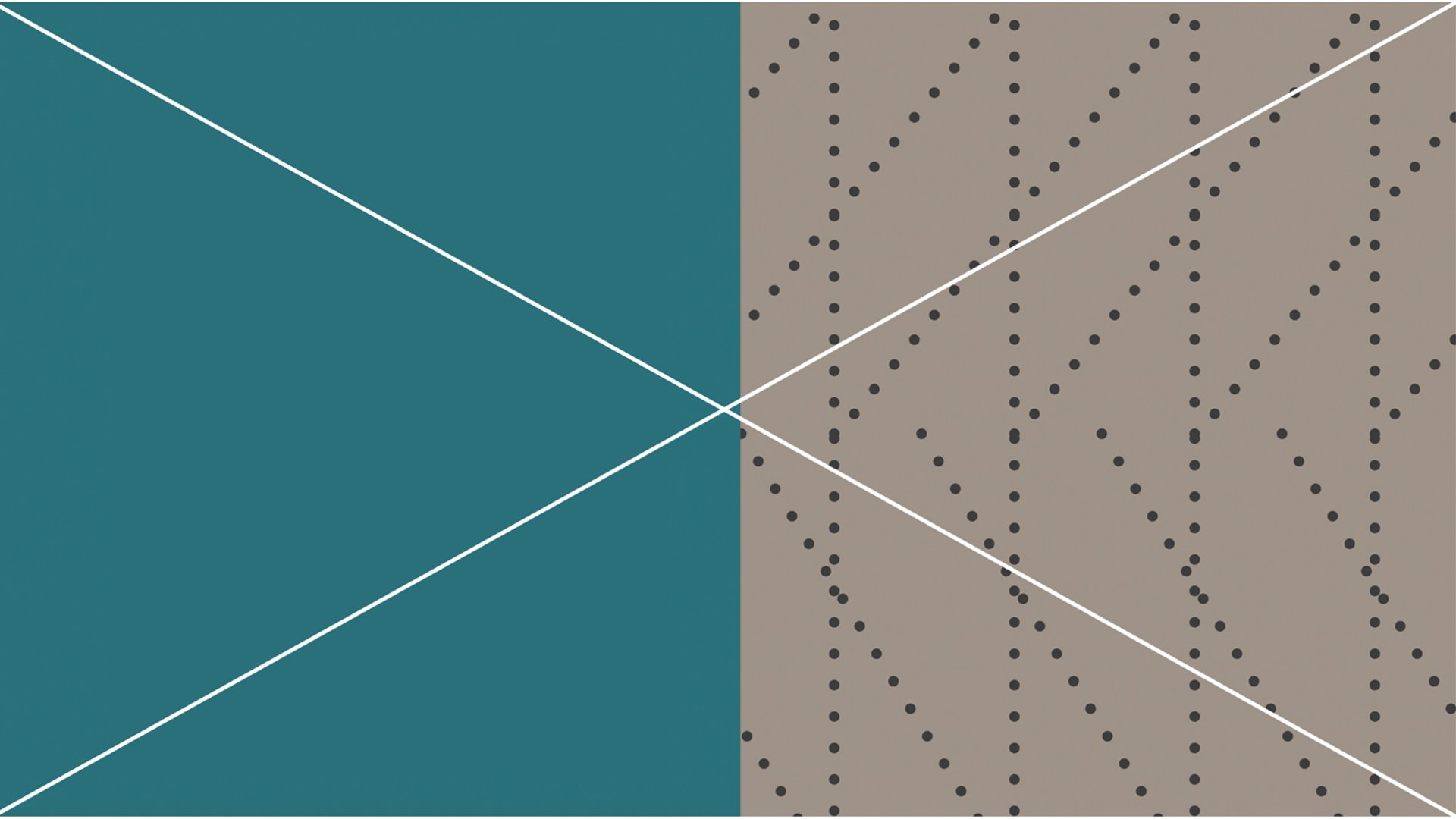
Do not use any type of line other than a single straight line.

Do not use line weights that are too thick.
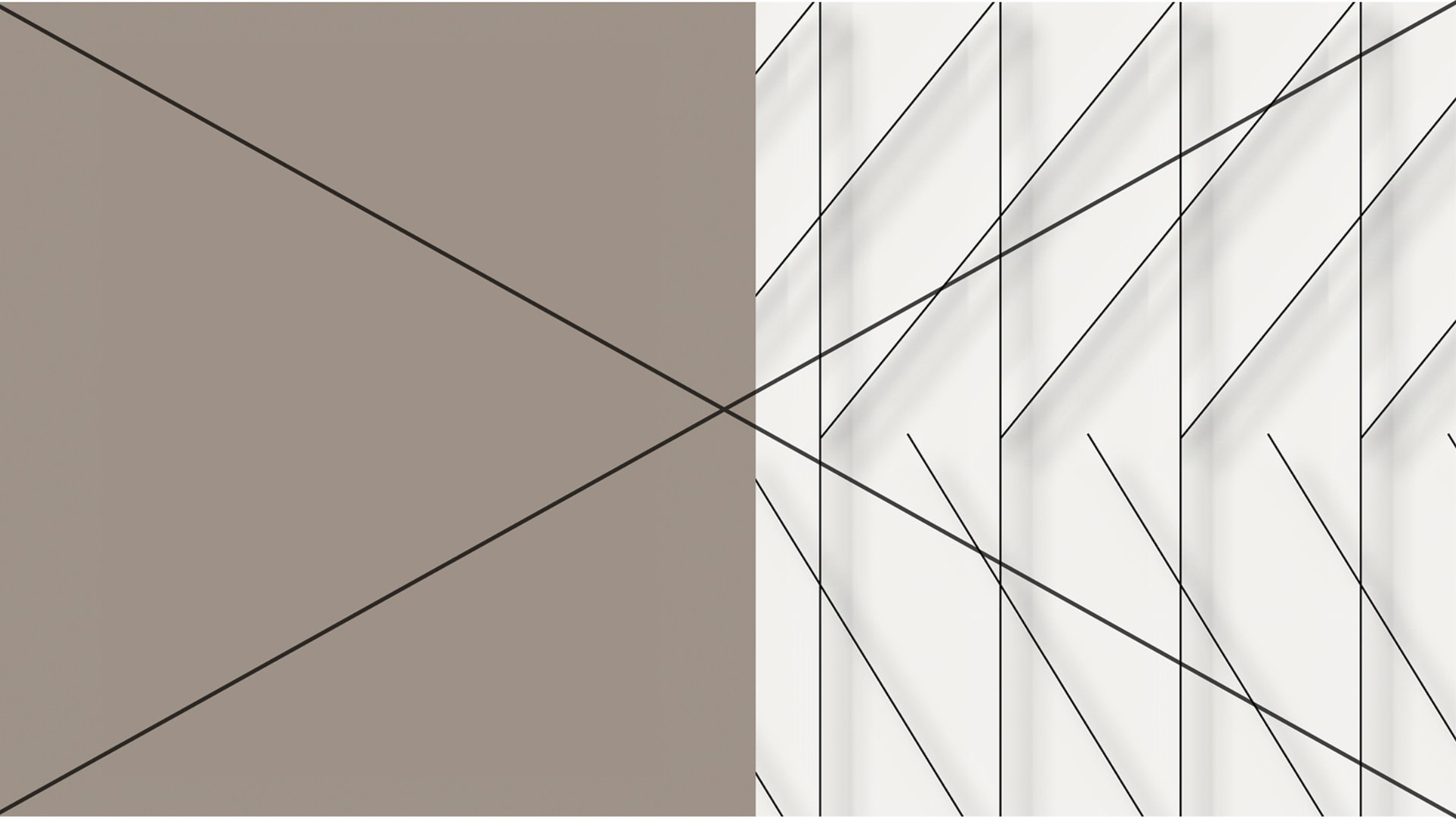
Do not apply any special 3D effects, such as drop shadows or bevels.
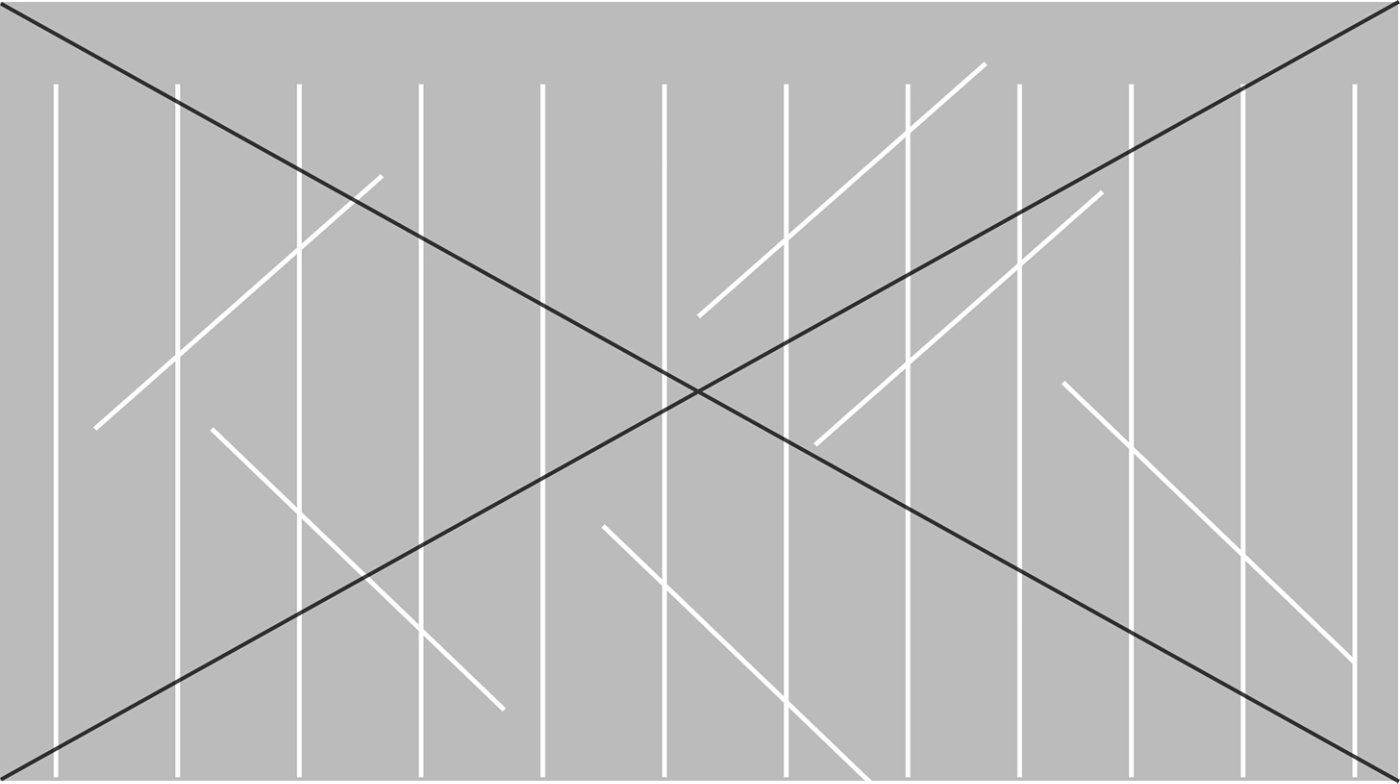
Do not create Living Trellises that do not show a repeating “k.”

Do not color in or place elements into the shapes created by the Living Trellis.

Do not rotate the Living Trellis so that the sense of a repeating “k” is lost.

Do not use the Living Trellis with Expressive type.
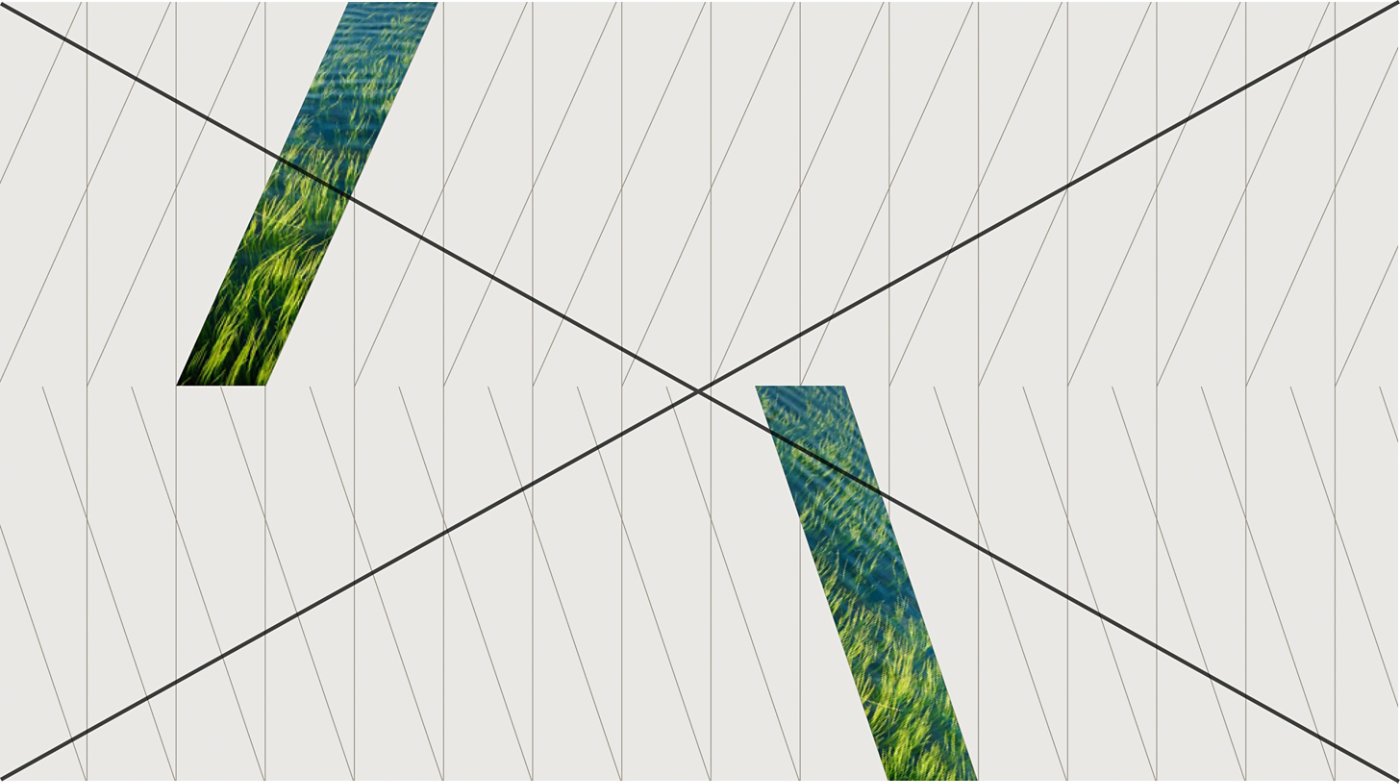
Do not place images in the shapes created by the Living Trellis.
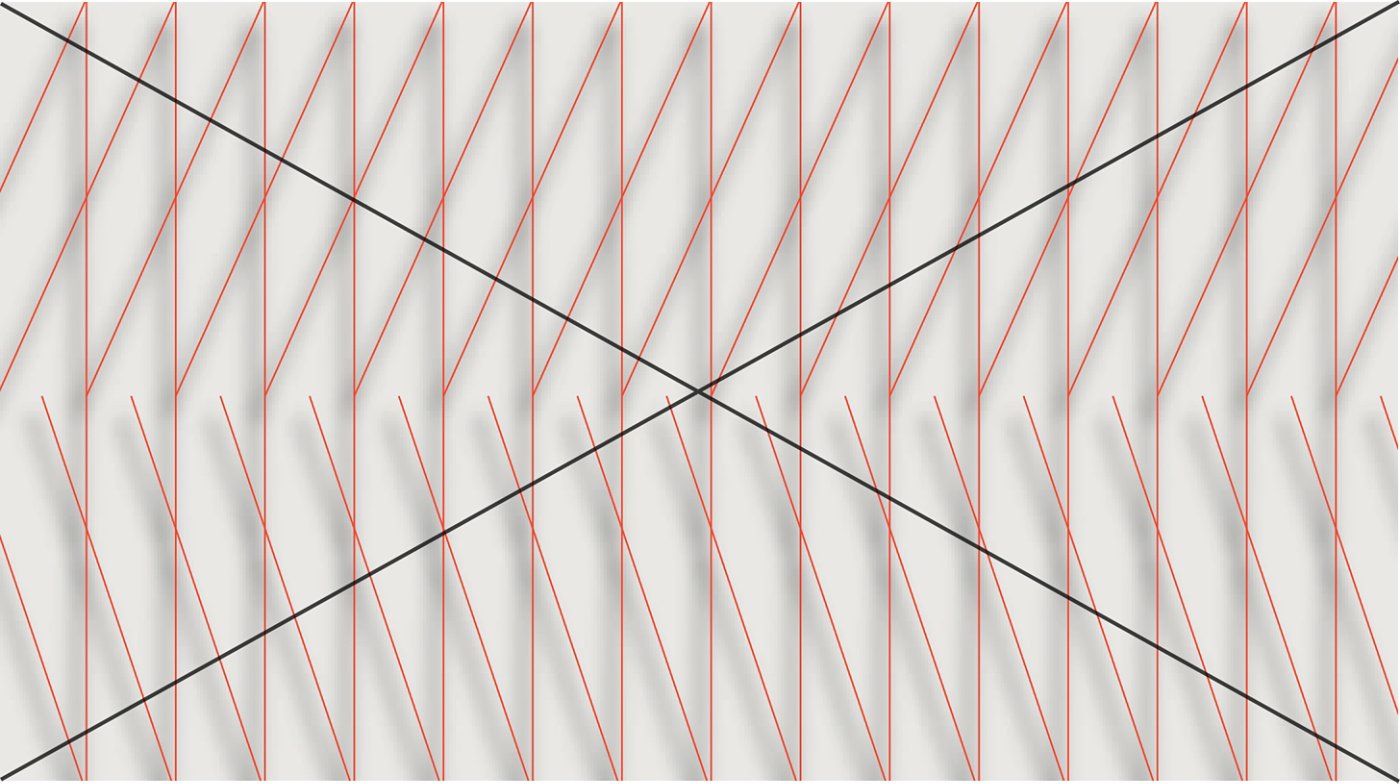
Do not apply drop shadows to the Living Trellis.

Do not use anything but straight lines with the Living Trellis.
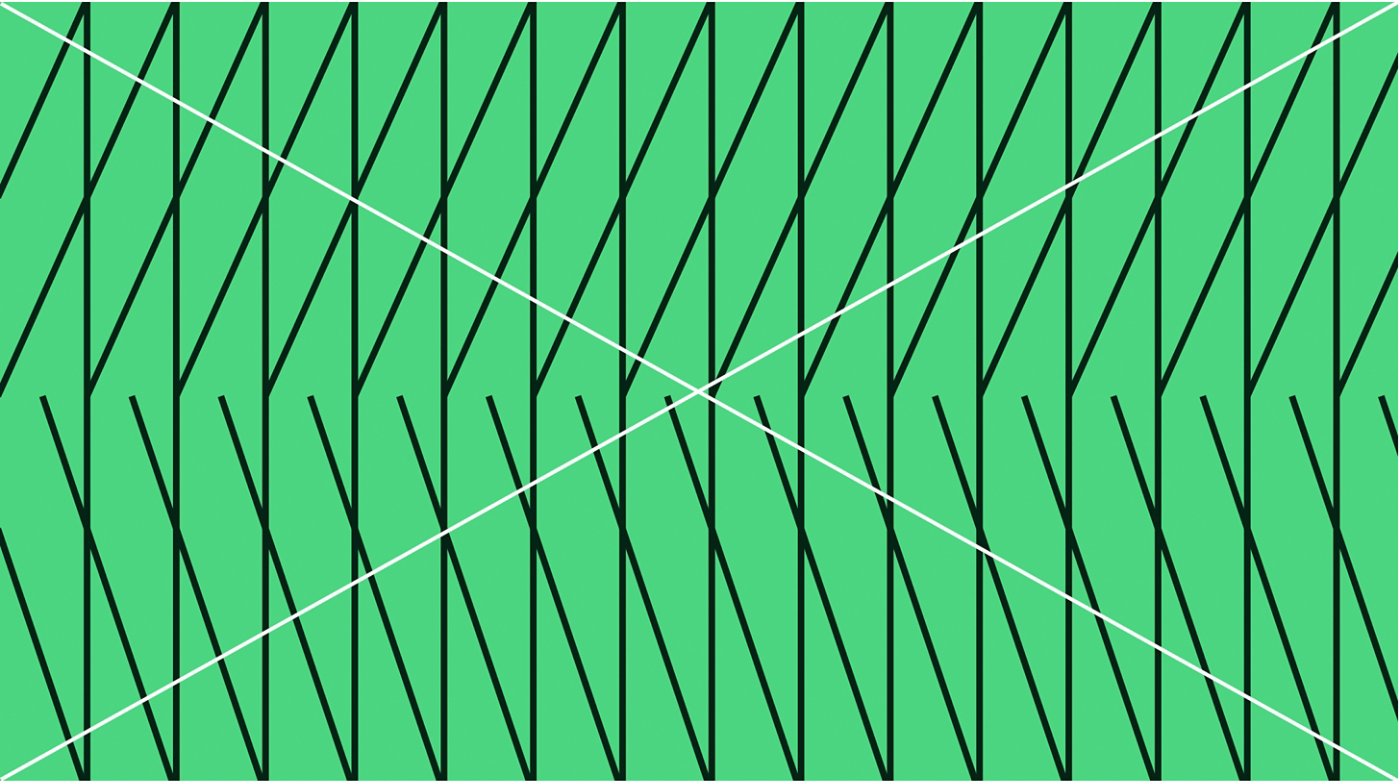
Do not use line weights that are too thick.

Do not use anything but solid lines with the Living Trellis.
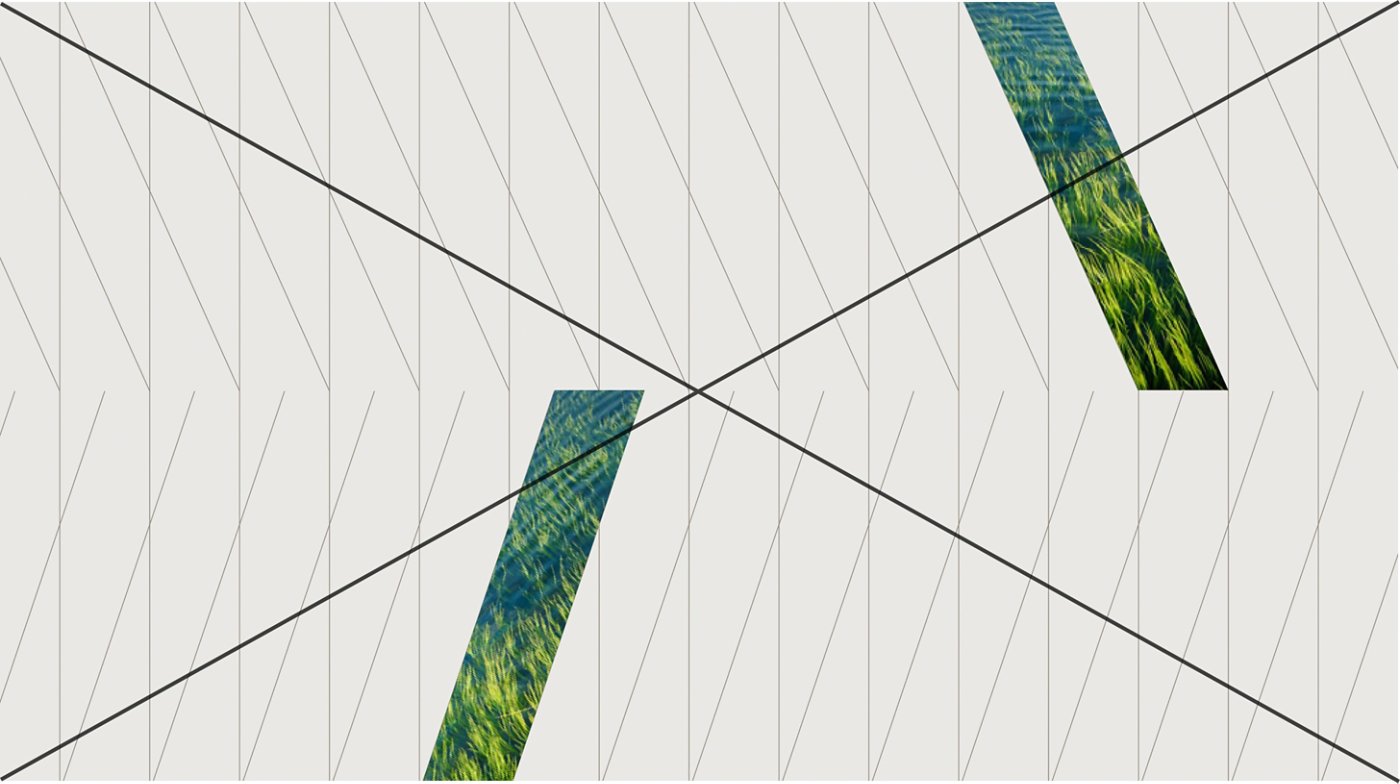
Do not reverse the pattern of the Living Trellis.
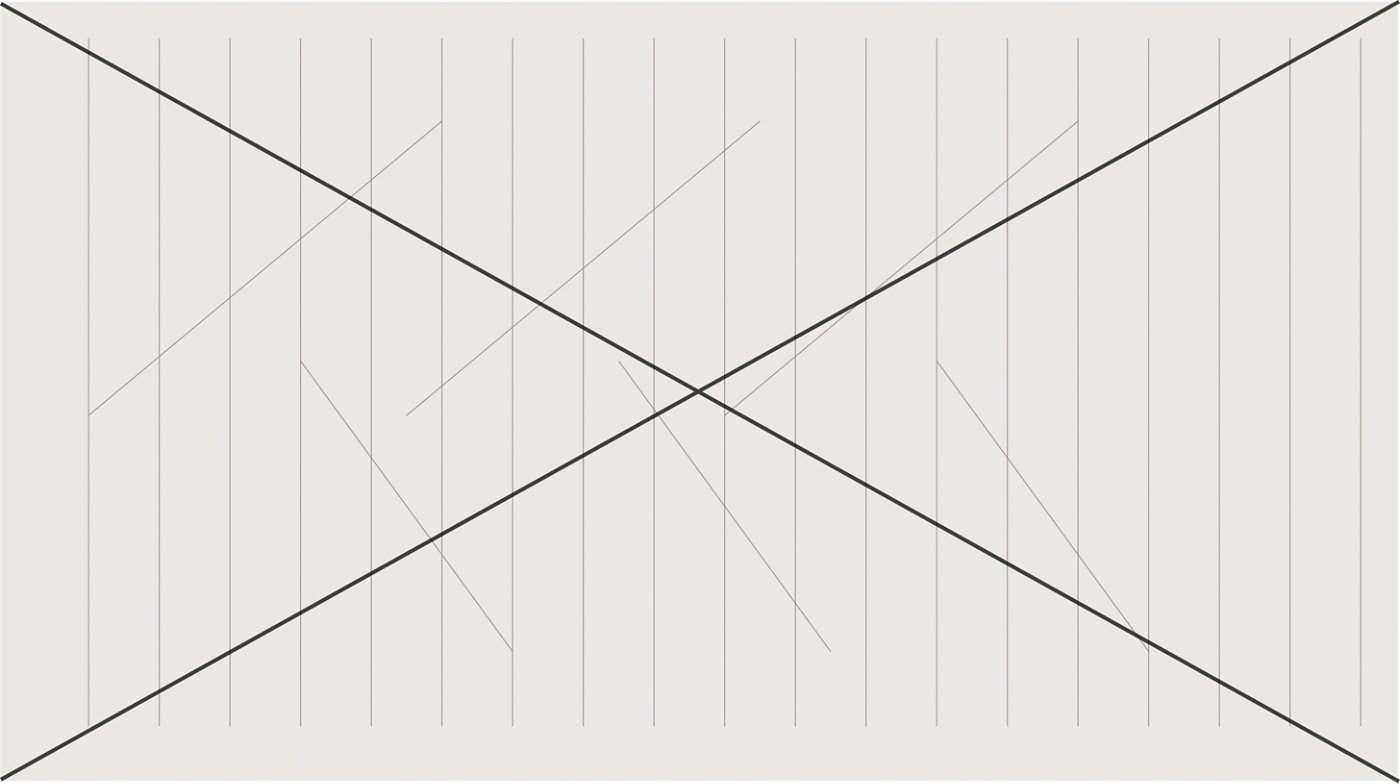
Do not create a new version of the Living Trellis.

